Works

Flow Sync

Workflow: Env. Management Services
An illustrative sketch of a flower

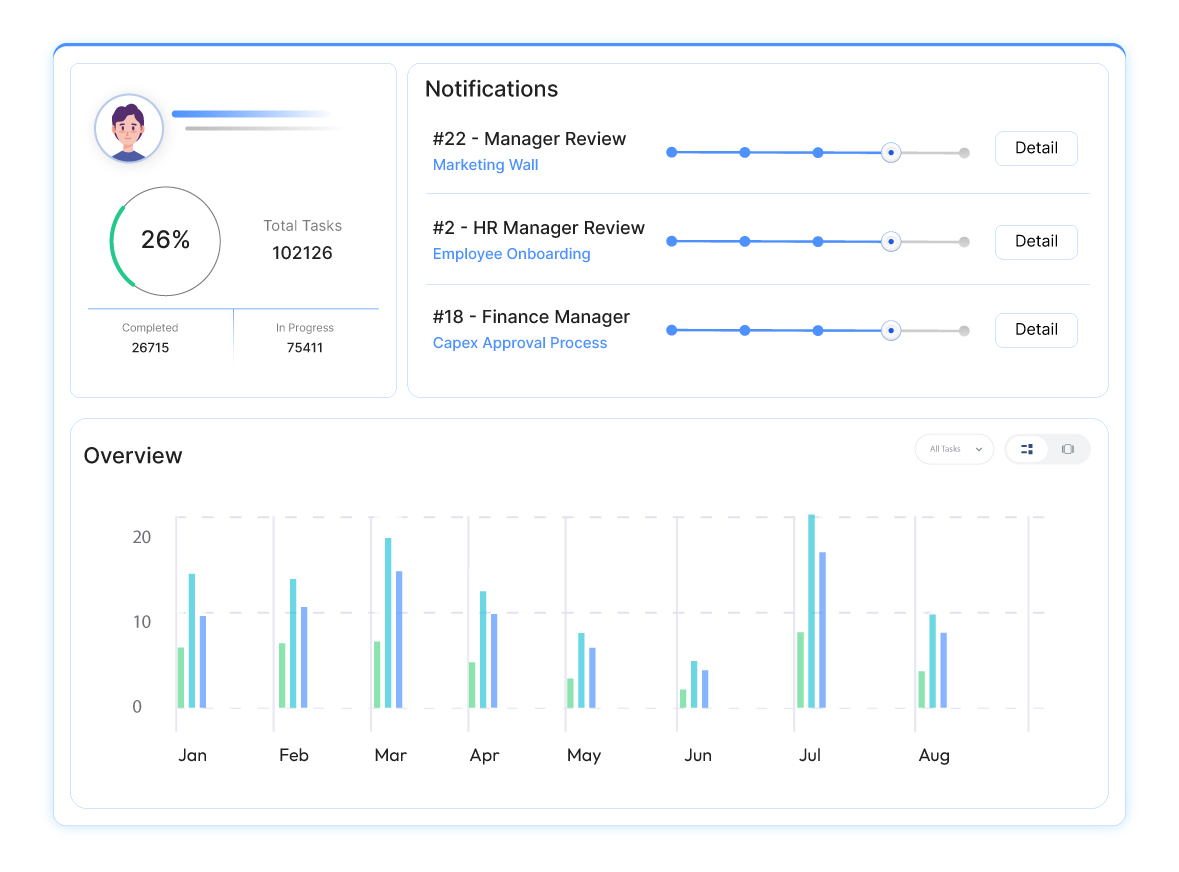
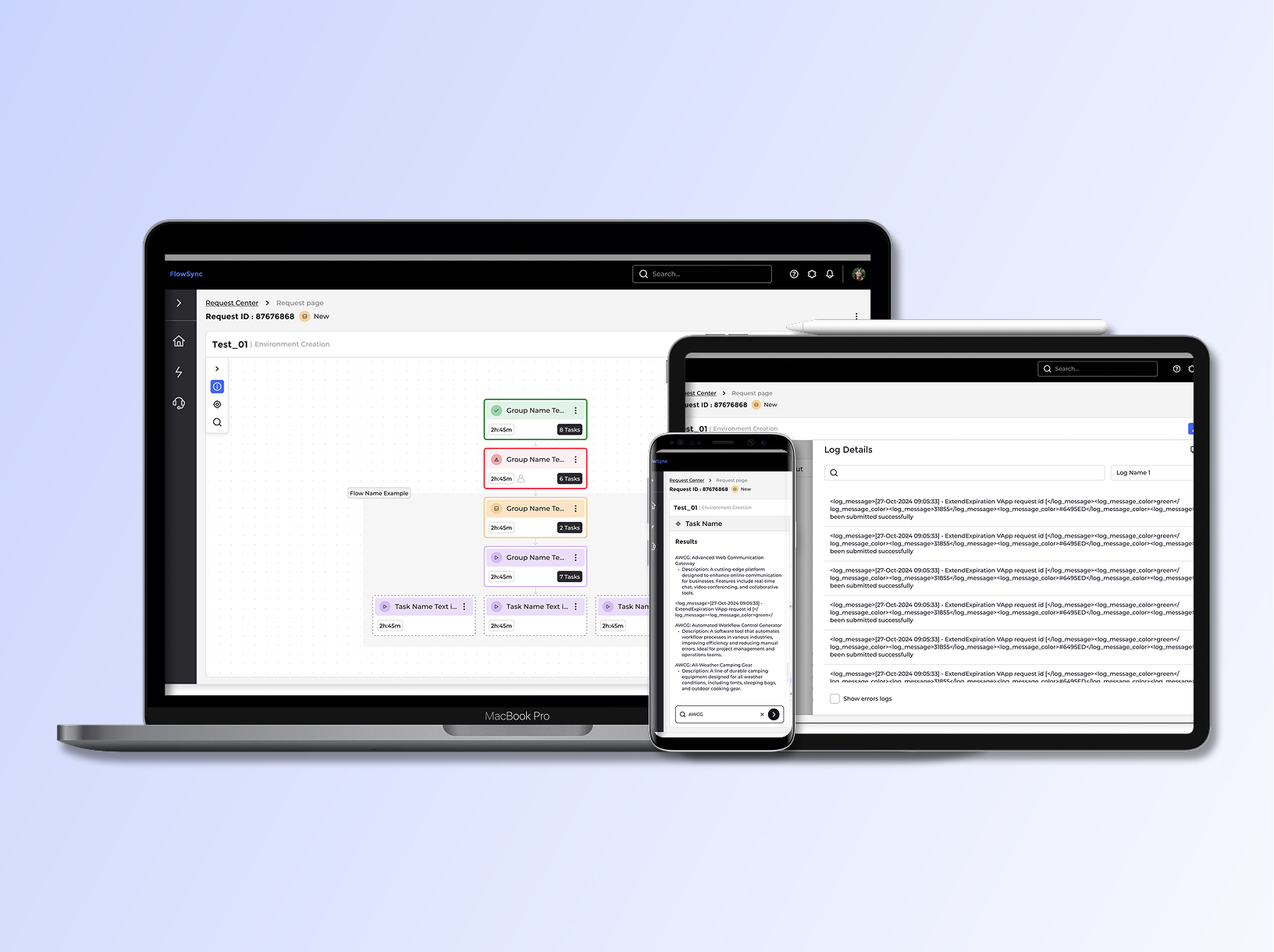
An internal system providing a comprehensive overview of environment management services.

Role: UX/UI Product Designer & Researcher

Led design , collaborating closely with UX expert @Adi Choen, the UX/UI designer, project manager, and front-end/back-end development teams | Amdocs 2024-2025

Why We Need It?

Dev teams need clear visibility to manage complex processes, systems, and dependencies across dynamic environments.

What was the challenge?

Juggling countless steps, user roles, installations, testing, validations, and external integrations creates overwhelming complexity that control alone can't solve.


Main goal:

Clearly shows users their current step, action status (Done/In Progress/To Do), and step relationships—reducing cognitive load for faster decisions.

Who are the users?

End User: Alex

Alex, a daily user of a dynamic environment, needs simple task navigation, process context, and easy resource access.


Team Lead: Emma

Emma manages teams on project subflows and needs workflow overviews, subflow tracking, and bottleneck tools.

Project Manager: Sarah

Sarah gets frantic "urgent" requests when QA bottlenecks emerge—needs phase-by-phase visibility to allocate her team proactively.

Process Analyst: Michael

Senior exececutive who needs cross-project risk signals at a glance to brief the board, not chase manual status reports.

Time for research

I used three research methods:

1. User Interviews

Direct conversations with users to understand their goals, workflows, and pain points in real-world contexts.

2. Card Sorting

A research method used to Reveal how users group and label information.

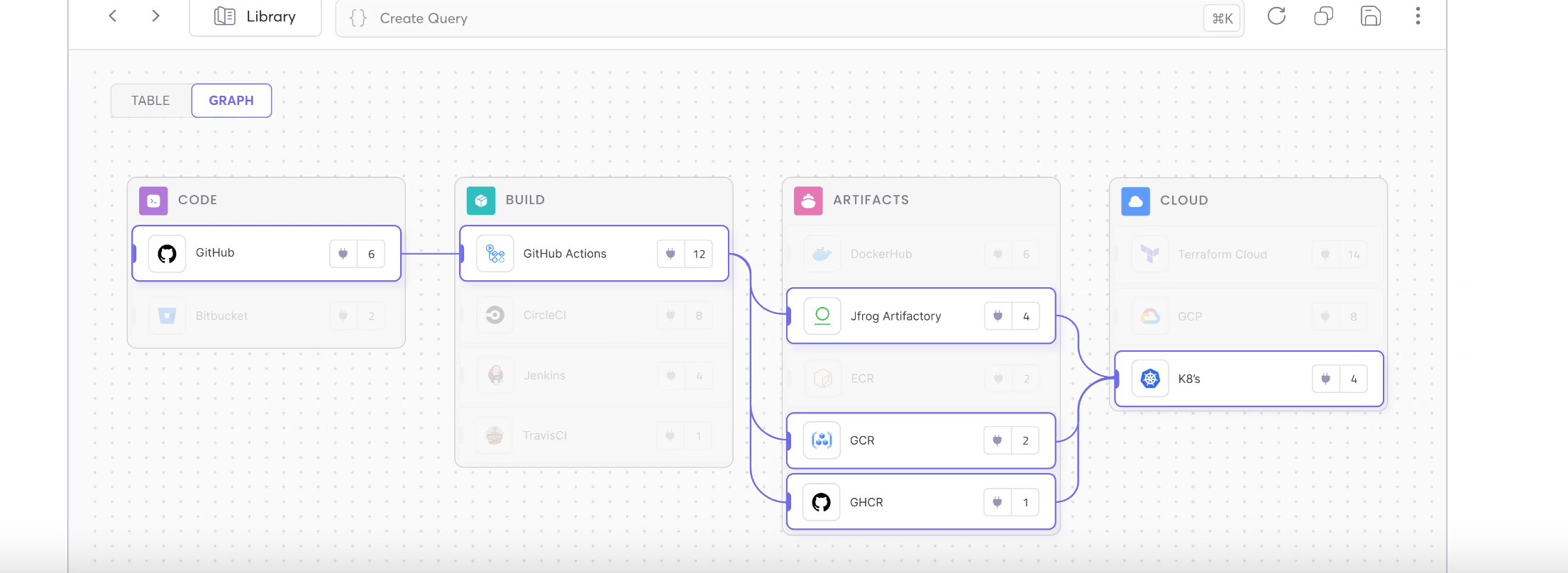
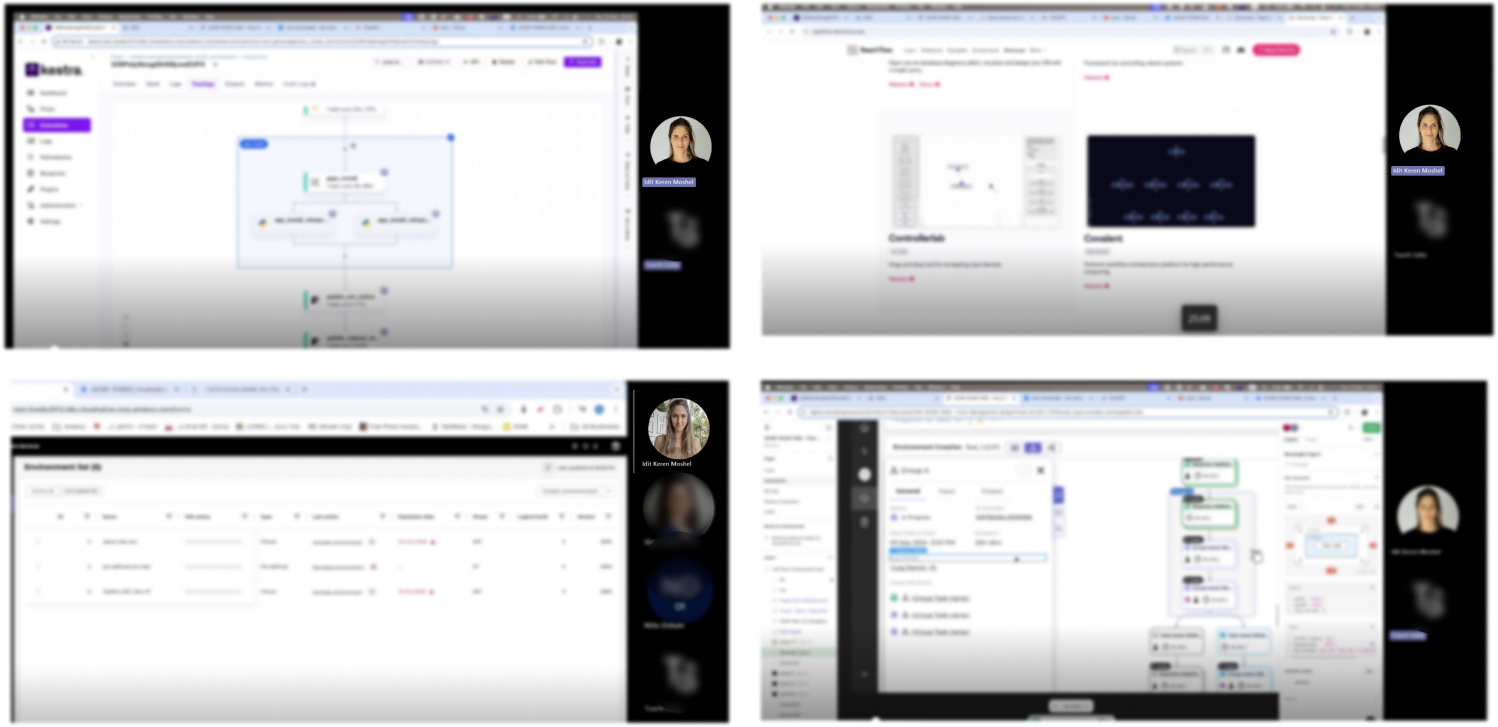
3. Industry Comparison

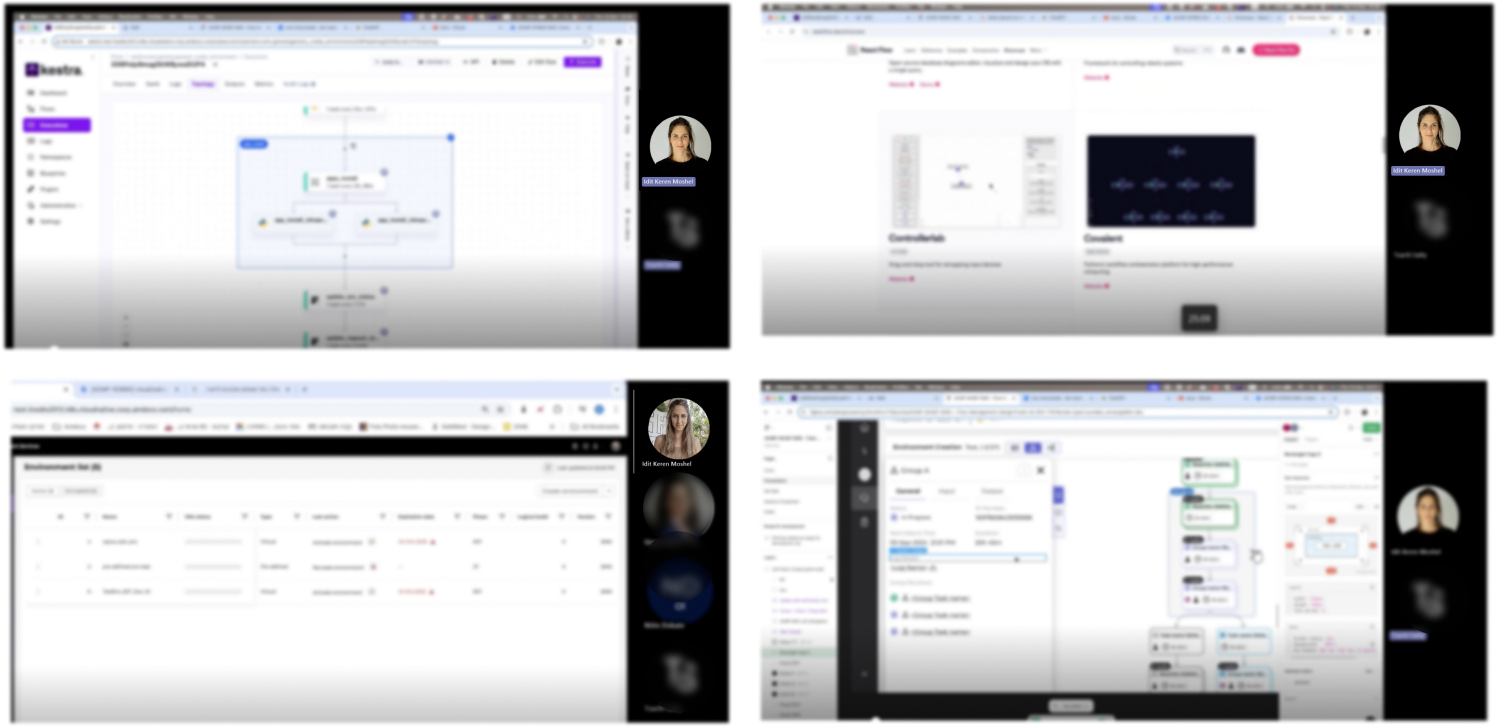
Analyzing top tools to improve our workflow clarity

1 . User Interviews

I interviewed users to uncover daily tracking pain points.

2. Card Sorting

Organized user interview pain points and needs into clear categories.

Clear Visualization:

"I find it hard to understand the workflow because the map is cluttered and not intuitive."

Task Identification:

"It's hard to identify tasks and dependencies

Real-time Updates: 

"I'm frustrated that the workflow map doesn't update in real-time, Lots of miscommunication among the teams."

Collaboration Features:

"I struggle to collaborate with my team using the workflow map.”

Identification: 

"I have trouble identifying bottlenecks in the workflow, which prevents us from improving our processes."

Customizability:

"The workflow map doesn't allow for customization, so it doesn't fit our specific project requirements."

Performance Tracking: 

"I can't track progress or performance metrics on the workflow map.”

Integration Capabilities:

"The workflow map doesn't integrate with our existing project management tools."

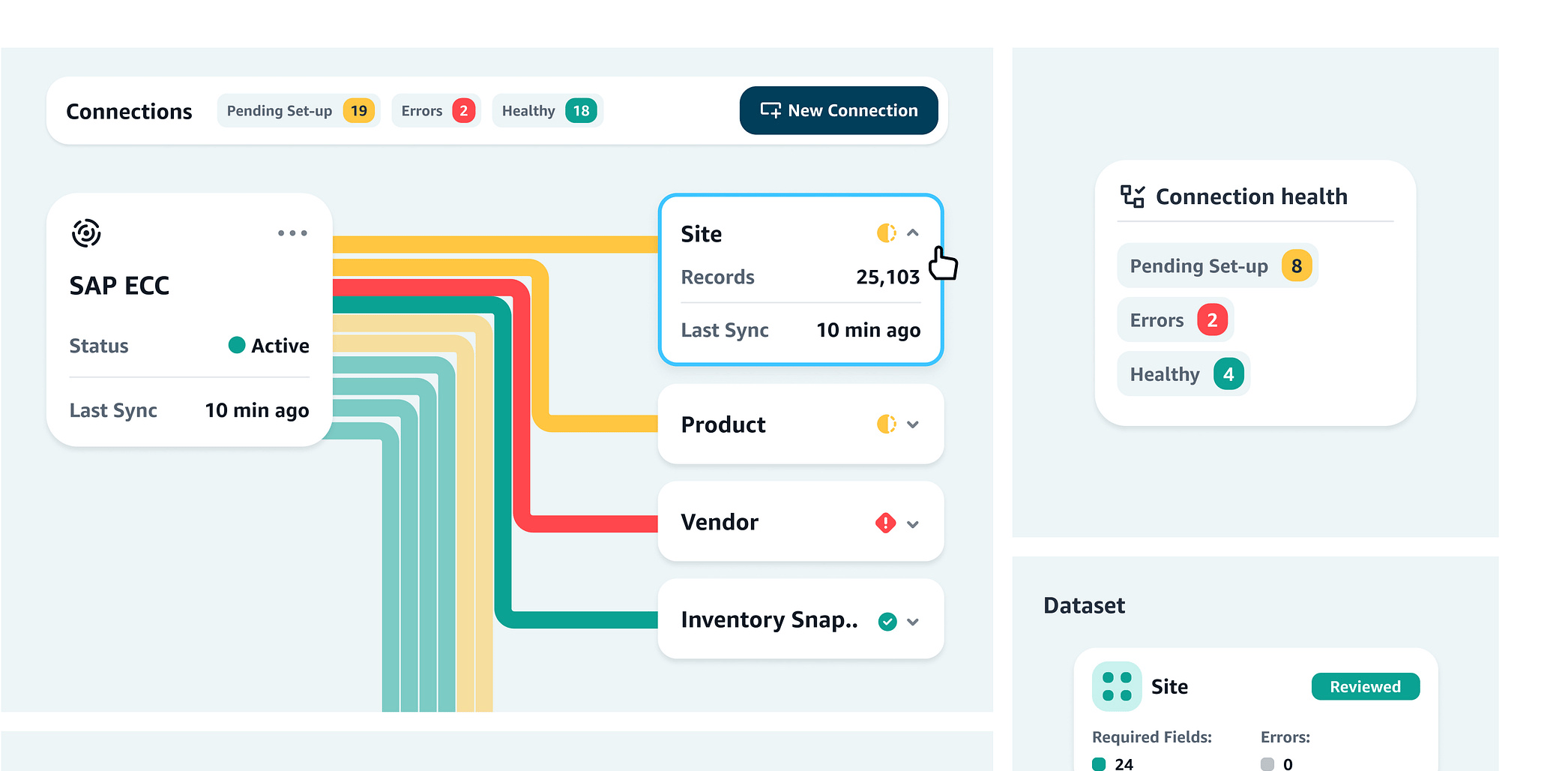
3. Industry Comparison

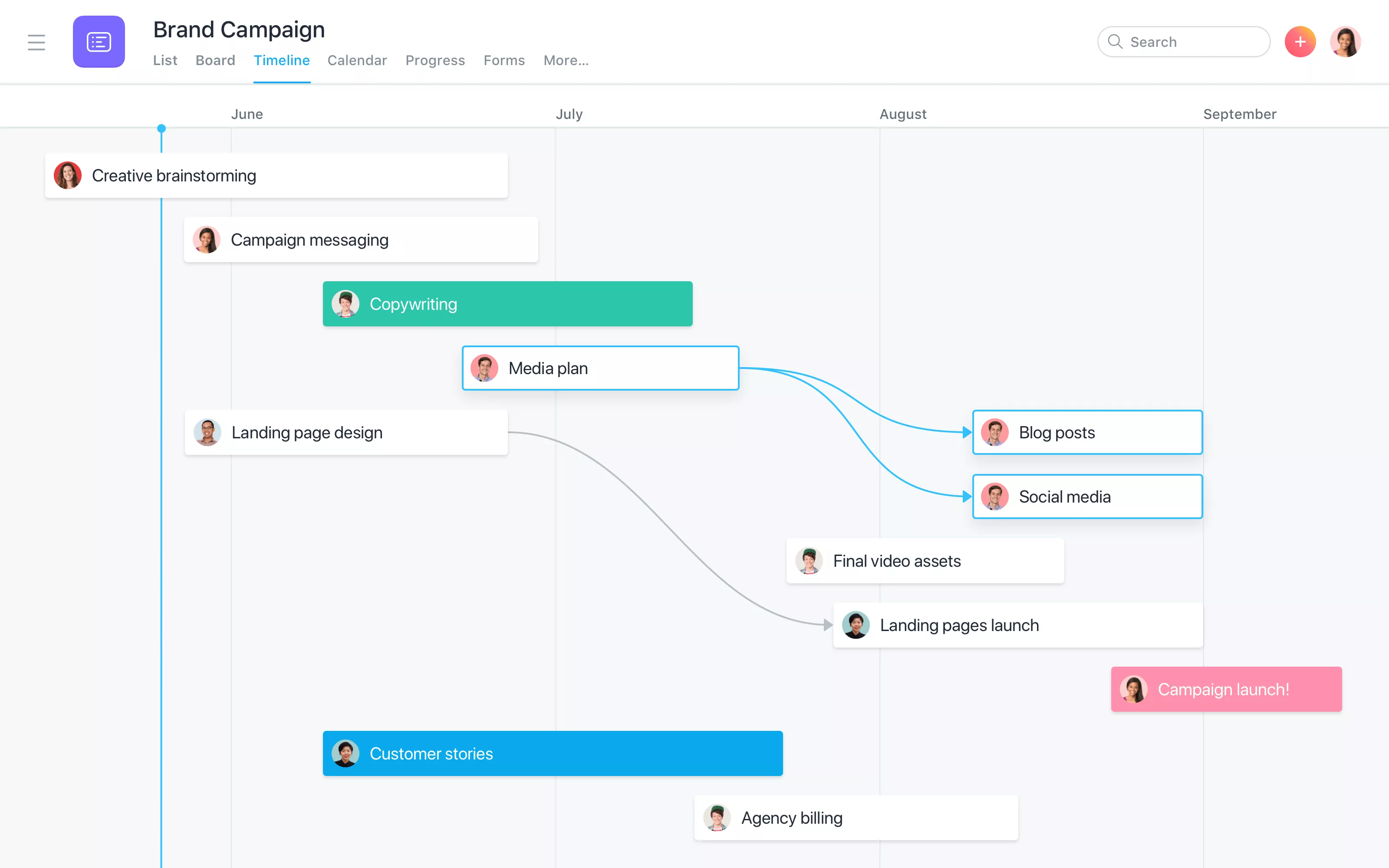
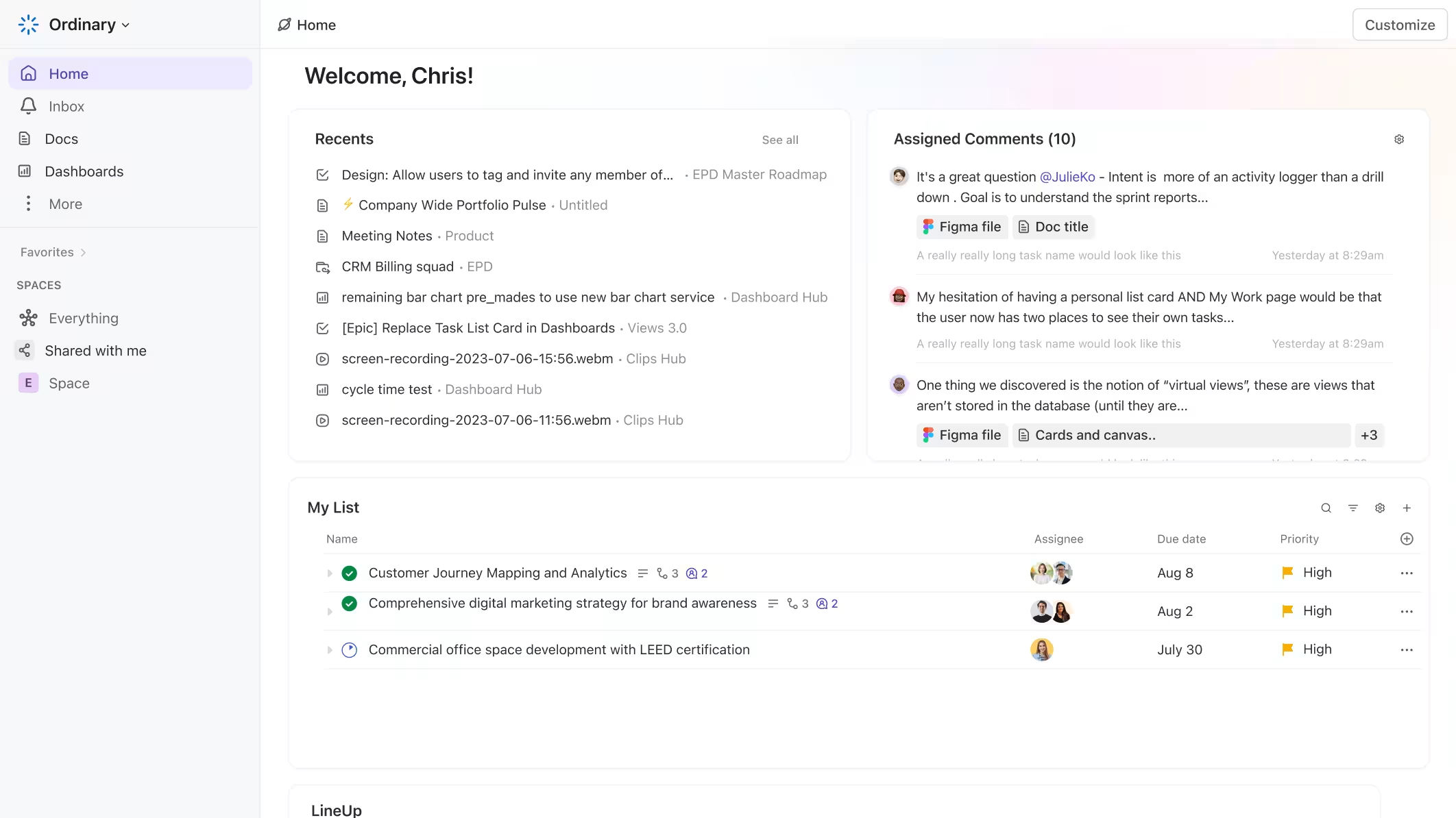
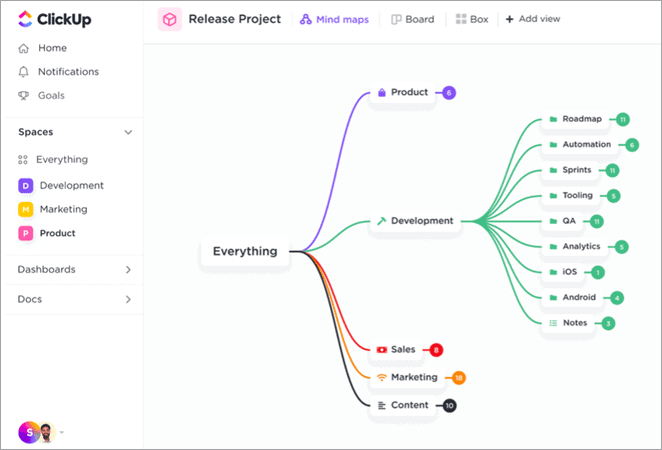
Goals:Spotting gaps where our design can truly stand out

Identify UX gaps:

Analyze competitor interfaces to discover visualization and navigation weaknesses your prototype improves.

Benchmark features:

Compare core workflow functions (automation, dependencies, status tracking) against industry leaders.

Differentiate design:

Highlight unique dashboard clarity and cognitive load reduction vs. typical tool clutter.

UX/UI Design Decisions

  • Mapped complexity: Cataloged every status, state, and edge case into a clear component taxonomy
  • Unified visuals: Set consistent color, icon, and hierarchy rules for instant readability
  • Empowered users: Instant progress tracking, risk spotting, and workflow connections

Base Structure

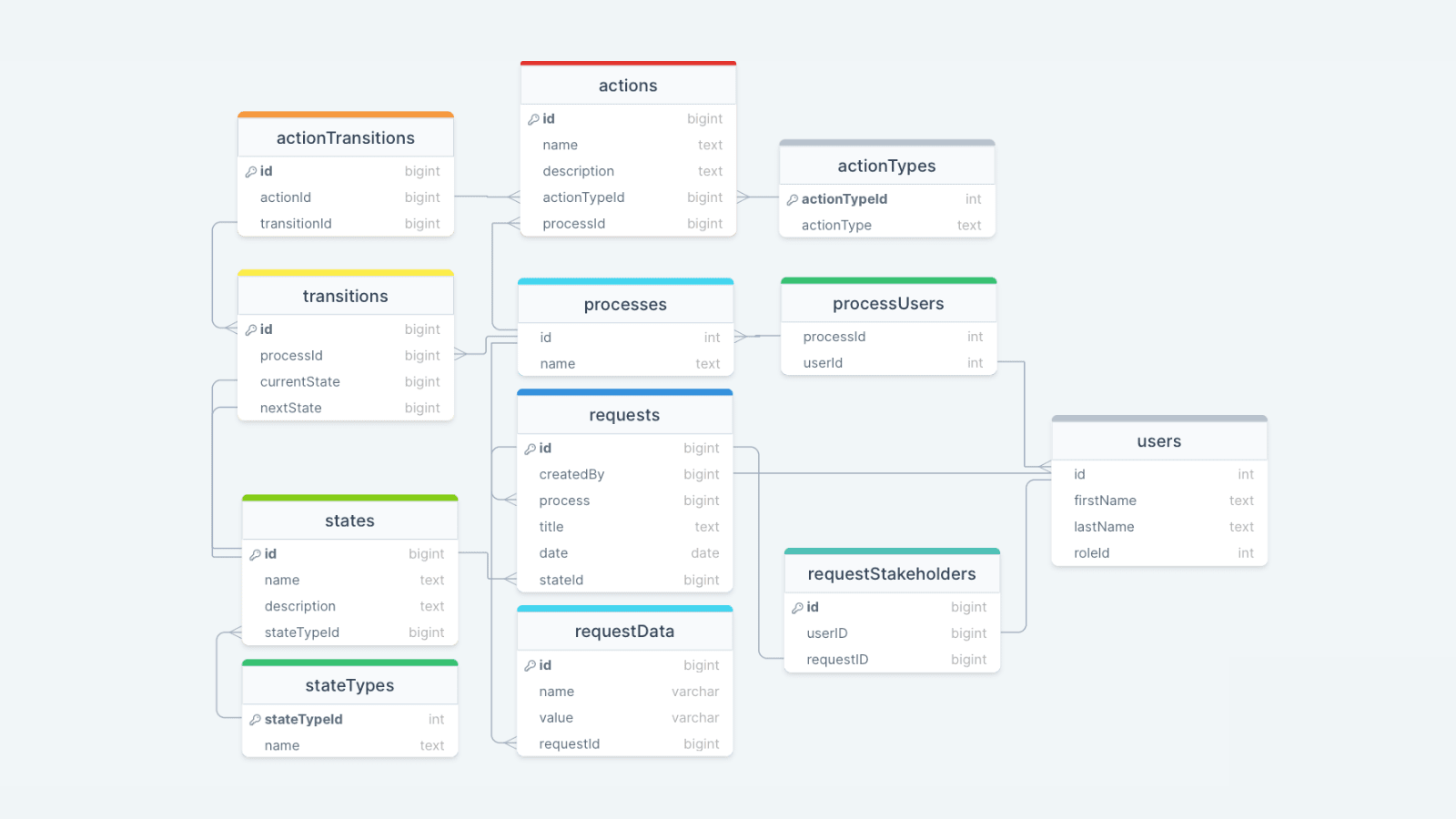
Before full mockup design, I built an Information Architecture to organize and clarify component relationships across all requirements and permutations.

Completed

failed

in progress

delete in process

paritally

new

disabled

paused

Granular component design

I mapped every status, state, and edge case into a clear component taxonomy, then defined consistent visual rules (color, icon, hierarchy) so users can instantly read progress, spot risks, and understand how each task ties into the wider flow.

Group Card - no connector arrow

Group Name Te...

2Sec

Group Card - with connector arrow - vertically

Group Name Te...

2Sec

Group Card - with connector arrow - horizontal

Group Name Te...

2Sec

Tooltip Status hover (2 sec delay)

Group Name Te...

2Sec

Completed

Group Card Selected

Group Name Te...

2Sec

Task Card

Group Name Te...

2Sec

With error

Group Name Te...

2Sec

New

Group Name Te...

2Sec

Disabled

Group Name Te...

2Sec

With Subflow

Group Name Te...

2Sec

Subflow

With Breakpoint

Group Name Te...

2Sec

Decision

Group Name Te...

2Sec

Decision with subflow

Group Name Te...

2Sec

Subflow

Request Center (Entry Point)

Users start their journey here in the Request Center (not my design)—scanning, filtering, and picking requests. My designs for later screens build right on this familiar flow.

Request Center

1 - 10 0f 34

Test_442

04-Apr-2022

04:00 AM

Environment Creation

CST

Eli Anderson

1223424

Test_1

Test_112

Test_15666

Test_442

Test_33

Environment Name

04-Apr-2022

04:00 AM

04-Apr-2022

04:00 AM

04-Apr-2022

04:00 AM

04-Apr-2022

04:00 AM

04-Apr-2022

04:00 AM

Last Updated on

Environment Creation

Environment Creation

Environment Creation

Environment Creation

Environment Creation

Request

Category

CST

ST

UAT

CST

CST

Environment Phase

1223424

1223424

1223424

1223424

1223424

Status

Request ID

Idit Keren moshel

David Smith

Noa Simon

Shahaf Rinok

Inbal Mani

Last Updated By

Rows per page:

10

1-10

of

30

My Reuest

All

Search

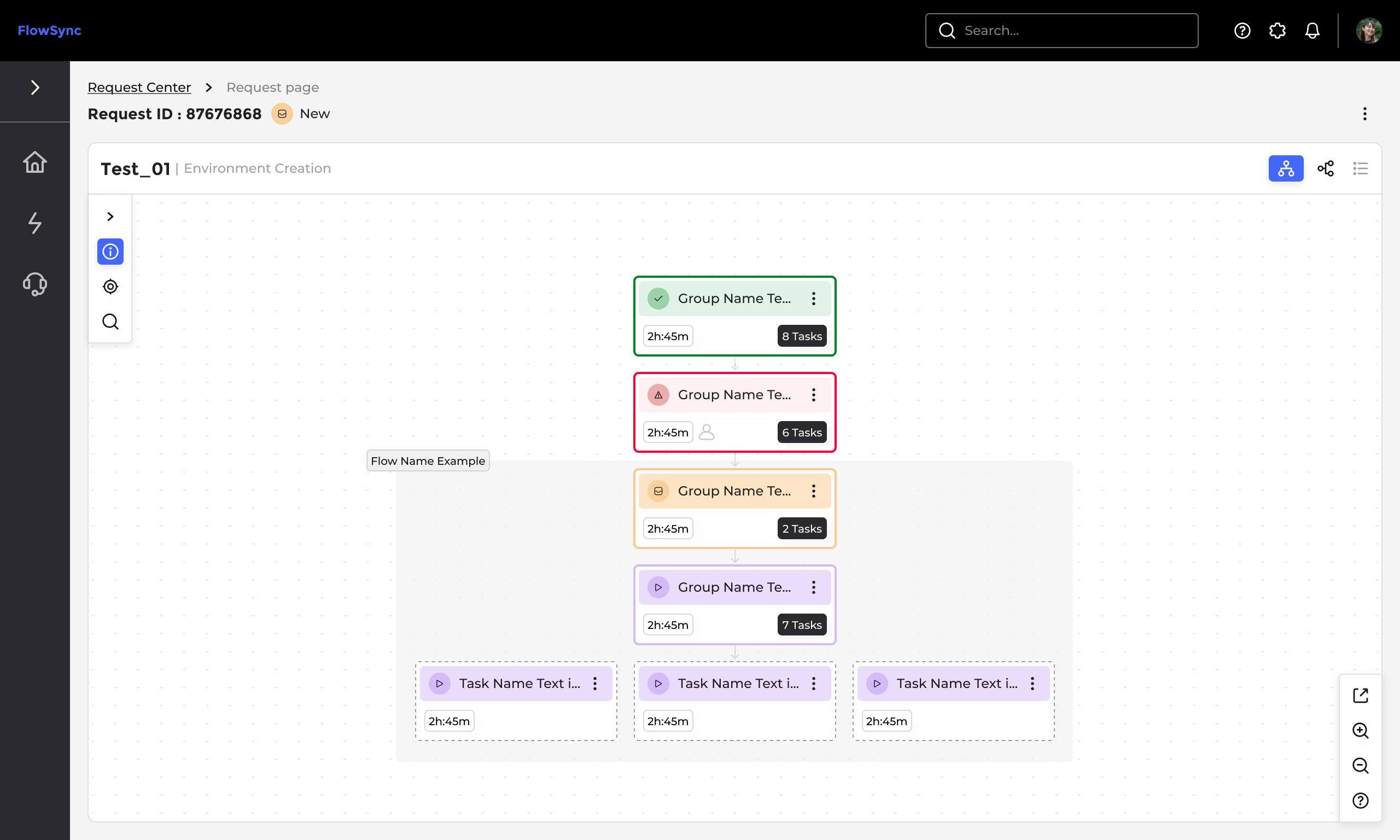
Request Flow (Process Overview)

Co-designed this with a another designer to tame a messy ops process into one clear flow. We leaned on hierarchy, grouping, and sequencing so users instantly see where they stand, how far they've come, and what's next.

Test_01 (CST)

|

Environment Creation

|

wait_for_user_a...

|

update_activity...

|

change_power_ty...

|

power_off_vm_in...

|

change_power_of...

Flow Name Example

wait_for_user_ap...

update_activity__...

9Sec

Group Name Te...

2Sec

Power_off_vms

9Sec

Power_off_vms

9Sec

Power_off_vms

9Sec

Power_off_vms

9Sec

change_power_off_status_it_inlnqw3139

Flow Views (Horizontal & Prone Layouts)

Designed multiple flow views for different workflows: horizontal for full-process scanning, vertical for focused section work. This keeps context intact for both overviews and details.

Test_01 (CST)

|

Environment Creation

|

wait_for_user_a...

|

update_activity...

|

change_power_ty...

|

power_off_vm_in...

|

change_power_of...

Group Name Te...

Group Name Te...

2Sec

Group Name Te...

2Sec

Subflow

Group Name Te...

2Sec

Subflow

Group Name Te...

2Sec

Subflow

change_power_off_status_it_inlnqw3139

Outcome

  • Reduced cognitive load when working with complex processes
  • Improved visibility into request status, progress, and next steps
  • Enabled smooth transitions between overview and detailed work
  • Supported different working styles through adaptable flow views

Works

Flow Sync

Workflow: Env. Management Services

An illustrative sketch of a flower

An internal system providing a comprehensive overview of environment management services.

Role: UX/UI Product Designer & Researcher

Led design , collaborating closely with UX expert @Adi Choen, the UX/UI designer, project manager, and front-end/back-end development teams | Amdocs 2024-2025

Why We Need It?

Dev teams need clear visibility to manage complex processes, systems, and dependencies across dynamic environments.

What was the challenge?

Juggling countless steps, user roles, installations, testing, validations, and external integrations creates overwhelming complexity that control alone can't solve.


Main goal:

Clearly shows users their current step, action status (Done/In Progress/To Do), and step relationships—reducing cognitive load for faster decisions.

Who are the users?

End User: Alex

Alex, a daily user of a dynamic environment, needs simple task navigation, process context, and easy resource access.


Team Lead: Emma

Emma manages teams on project subflows and needs workflow overviews, subflow tracking, and bottleneck tools.

Project Manager: Sarah

Sarah gets frantic "urgent" requests when QA bottlenecks emerge—needs phase-by-phase visibility to allocate her team proactively.

Process Analyst: Michael

Senior exececutive who needs cross-project risk signals at a glance to brief the board, not chase manual status reports.

Time for research

I used three research methods:

1. User Interviews

Direct conversations with users to understand their goals, workflows, and pain points in real-world contexts.

2. Card Sorting

A research method used to Reveal how users group and label information.

3. Industry Comparison

Analyzing top tools to improve our workflow clarity

1 . User Interviews

I interviewed users to uncover daily tracking pain points.

2. Card Sorting

Organized user interview pain points and needs into clear categories.

Clear Visualization:

"I find it hard to understand the workflow because the map is cluttered and not intuitive."

Task Identification:

"It's hard to identify tasks and dependencies

Real-time Updates: 

"I'm frustrated that the workflow map doesn't update in real-time, Lots of miscommunication among the teams."

Collaboration Features:

"I struggle to collaborate with my team using the workflow map.”

Identification: 

"I have trouble identifying bottlenecks in the workflow, which prevents us from improving our processes."

Customizability:

"The workflow map doesn't allow for customization, so it doesn't fit our specific project requirements."

Performance Tracking: 

"I can't track progress or performance metrics on the workflow map.”

Integration Capabilities:

Doesn't integrate with our existing project management tools, causing inefficiencies in our workflow."

3. Industry Comparison

Goals:Spotting gaps where our design can truly stand out

Identify UX gaps:

Analyze competitor interfaces to discover visualization and navigation weaknesses your prototype improves.

Benchmark features:

Compare core workflow functions (automation, dependencies, status tracking) against industry leaders.

Differentiate design:

Highlight unique dashboard clarity and cognitive load reduction vs. typical tool clutter.

Base Structure

Before full mockup design, I built an Information Architecture to organize and clarify component relationships across all requirements and permutations.

Completed

failed

in progress

delete in process

paritally

new

disabled

paused

Granular component design

I mapped every status, state, and edge case into a clear component taxonomy, then defined consistent visual rules (color, icon, hierarchy) so users can instantly read progress, spot risks, and understand how each task ties into the wider flow.

Group Card - no connector arrow

Group Name Te...

2Sec

Group Card - with connector arrow - vertically

Group Name Te...

2Sec

Group Card - with connector arrow - horizontal

Group Name Te...

2Sec

Tooltip Status hover (2 sec delay)

Group Name Te...

2Sec

Completed

Group Card Selected

Group Name Te...

2Sec

Task Card

Group Name Te...

2Sec

With error

Group Name Te...

2Sec

New

Group Name Te...

2Sec

Disabled

Group Name Te...

2Sec

With Subflow

Group Name Te...

2Sec

Subflow

With Breakpoint

Group Name Te...

2Sec

Decision

Group Name Te...

2Sec

Decision with subflow

Group Name Te...

2Sec

Subflow

UX/UI Design Decisions

  • Mapped complexity: Cataloged every status, state, and edge case into a clear component taxonomy
  • Unified visuals: Set consistent color, icon, and hierarchy rules for instant readability
  • Empowered users: Instant progress tracking, risk spotting, and workflow connections

Request Center (Entry Point)

Users start their journey here in the Request Center (not my design)—scanning, filtering, and picking requests. My designs for later screens build right on this familiar flow.

Request Center

1 - 10 0f 34

Test_442

04-Apr-2022

04:00 AM

Environment Creation

CST

Eli Anderson

1223424

Test_1

Test_112

Test_15666

Test_442

Test_33

Environment Name

04-Apr-2022

04:00 AM

04-Apr-2022

04:00 AM

04-Apr-2022

04:00 AM

04-Apr-2022

04:00 AM

04-Apr-2022

04:00 AM

Last Updated on

Environment Creation

Environment Creation

Environment Creation

Environment Creation

Environment Creation

Request

Category

CST

ST

UAT

CST

CST

Environment Phase

1223424

1223424

1223424

1223424

1223424

Status

Request ID

Idit Keren moshel

David Smith

Noa Simon

Shahaf Rinok

Inbal Mani

Last Updated By

Rows per page:

10

1-10

of

30

My Reuest

All

Search

Request Flow (Process Overview)

Co-designed this with a another designer to tame a messy ops process into one clear flow. We leaned on hierarchy, grouping, and sequencing so users instantly see where they stand, how far they've come, and what's next.

Test_01 (CST)

|

Environment Creation

|

wait_for_user_a...

|

update_activity...

|

change_power_ty...

|

power_off_vm_in...

|

change_power_of...

Flow Name Example

wait_for_user_ap...

update_activity__...

9Sec

Group Name Te...

2Sec

Power_off_vms

9Sec

Power_off_vms

9Sec

Power_off_vms

9Sec

Power_off_vms

9Sec

change_power_off_status_it_inlnqw3139

Flow Views

Designed multiple flow views for different workflows: horizontal for full-process scanning, vertical for focused section work. This keeps context intact for both overviews and details.

Test_01 (CST)

|

Environment Creation

|

wait_for_user_a...

|

update_activity...

|

change_power_ty...

|

power_off_vm_in...

|

change_power_of...

Group Name Te...

Group Name Te...

2Sec

Group Name Te...

2Sec

Subflow

Group Name Te...

2Sec

Subflow

Group Name Te...

2Sec

Subflow

change_power_off_status_it_inlnqw3139

Outcome

  • Reduced cognitive load when working with complex processes
  • Improved visibility into request status, progress, and next steps
  • Enabled smooth transitions between overview and detailed work
  • Supported different working styles through adaptable flow views

Works

Flow Sync

Workflow: Env. Management Services

An illustrative sketch of a flower

An internal system providing a comprehensive overview of environment management services.

Role: UX/UI Product Designer & Researcher

Led design , collaborating closely with UX expert @Adi Choen, the UX/UI designer, project manager, and front-end/back-end development teams | Amdocs 2024-2025

Why We Need It?

Dev teams need clear visibility to manage complex processes, systems, and dependencies across dynamic environments.

What was the challenge?

Juggling countless steps, user roles, installations, testing, validations, and external integrations creates overwhelming complexity that control alone can't solve.


Main goal:

Clearly shows users their current step, action status (Done/In Progress/To Do), and step relationships—reducing cognitive load for faster decisions.

Who are the users?

End User: Alex

Alex, a daily user of a dynamic environment, needs simple task navigation, process context, and easy resource access.


Team Lead: Emma

Emma manages teams on project subflows and needs workflow overviews, subflow tracking, and bottleneck tools.

Project Manager: Sarah

Sarah gets frantic "urgent" requests when QA bottlenecks emerge—needs phase-by-phase visibility to allocate her team proactively.

Process Analyst: Michael

Senior exececutive who needs cross-project risk signals at a glance to brief the board, not chase manual status reports.

Time for research

I used three research methods:

1. User Interviews

Direct conversations with users to understand their goals, workflows, and pain points in real-world contexts.

2. Card Sorting

A research method used to Reveal how users group and label information.

3. Industry Comparison

Analyzing top tools to improve our workflow clarity

1 . User Interviews

I interviewed users to uncover daily tracking pain points.
2. Card Sorting

Organized user interview pain points and needs into clear categories.

Clear Visualization:

"I find it hard to understand the workflow because the map is cluttered and not intuitive."

Task Identification:

"It's hard to identify tasks and dependencies

Real-time Updates: 

"I'm frustrated that the workflow map doesn't update in real-time”

Collaboration Features:

"I struggle to collaborate with my team using the workflow map.”

Identification: 

"I have trouble identifying bottlenecks in the workflow, which prevents us from improving our processes."

Customizability:

"The workflow map doesn't allow for customization, so it doesn't fit our specific project requirements."

Performance Tracking: 

"I can't track progress or performance metrics on the workflow map”

Integration Capabilities:

Doesn't integrate with our existing project management tools, causing inefficiencies in our workflow."

3. Industry Comparison

Goals:Spotting gaps where our design can truly stand out

Identify UX gaps:

Analyze competitor interfaces to discover visualization and navigation weaknesses your prototype improves.

Benchmark features:

Compare core workflow functions (automation, dependencies, status tracking) against industry leaders.

Differentiate design:

Highlight unique dashboard clarity and cognitive load reduction vs. typical tool clutter.

Base Structure

Before full mockup design, I built an Information Architecture to organize and clarify component relationships across all requirements and permutations.

Completed

failed

in progress

delete in process

paritally

new

disabled

paused

Granular component design

I mapped every status, state, and edge case into a clear component taxonomy, then defined consistent visual rules (color, icon, hierarchy) so users can instantly read progress, spot risks, and understand how each task ties into the wider flow.

Group Card - no connector arrow

Group Name Te...

2Sec

Group Card - with connector arrow - vertically

Group Name Te...

2Sec

Group Card - with connector arrow - horizontal

Group Name Te...

2Sec

Tooltip Status hover (2 sec delay)

Group Name Te...

2Sec

Completed

Group Card Selected

Group Name Te...

2Sec

Task Card

Group Name Te...

2Sec

With error

Group Name Te...

2Sec

New

Group Name Te...

2Sec

Disabled

Group Name Te...

2Sec

With Subflow

Group Name Te...

2Sec

Subflow

With Breakpoint

Group Name Te...

2Sec

Decision

Group Name Te...

2Sec

Decision with subflow

Group Name Te...

2Sec

Subflow

UX/UI Design Decisions

  • Mapped complexity: Cataloged every status, state, and edge case into a clear component taxonomy
  • Unified visuals: Set consistent color, icon, and hierarchy rules for instant readability
  • Empowered users: Instant progress tracking, risk spotting, and workflow connections

Request Center (Entry Point)

Users start their journey here in the Request Center (not my design)—scanning, filtering, and picking requests. My designs for later screens build right on this familiar flow.
Request Center

1 - 10 0f 34

Test_442

04-Apr-2022

04:00 AM

Environment Creation

CST

Eli Anderson

1223424

Test_1

Test_112

Test_15666

Test_442

Test_33

Environment Name

04-Apr-2022

04:00 AM

04-Apr-2022

04:00 AM

04-Apr-2022

04:00 AM

04-Apr-2022

04:00 AM

04-Apr-2022

04:00 AM

Last Updated on

Environment Creation

Environment Creation

Environment Creation

Environment Creation

Environment Creation

Request

Category

CST

ST

UAT

CST

CST

Environment Phase

1223424

1223424

1223424

1223424

1223424

Status

Request ID

Idit Keren moshel

David Smith

Noa Simon

Shahaf Rinok

Inbal Mani

Last Updated By

Rows per page:

10

1-10

of

30

My Reuest

All

Search

Request Flow (Process Overview)

Co-designed this with a another designer to tame a messy ops process into one clear flow. We leaned on hierarchy, grouping, and sequencing so users instantly see where they stand, how far they've come, and what's next.

Test_01 (CST)

|

Environment Creation

|

wait_for_user_a...

|

update_activity...

|

change_power_ty...

|

power_off_vm_in...

|

change_power_of...

Flow Name Example

wait_for_user_ap...

update_activity__...

9Sec

Group Name Te...

2Sec

Power_off_vms

9Sec

Power_off_vms

9Sec

Power_off_vms

9Sec

Power_off_vms

9Sec

change_power_off_status_it_inlnqw3139

Flow Views

Designed multiple flow views for different workflows: horizontal for full-process scanning, vertical for focused section work. This keeps context intact for both overviews and details.

Test_01 (CST)

|

Environment Creation

|

wait_for_user_a...

|

update_activity...

|

change_power_ty...

|

power_off_vm_in...

|

change_power_of...

Group Name Te...

Group Name Te...

2Sec

Group Name Te...

2Sec

Subflow

Group Name Te...

2Sec

Subflow

Group Name Te...

2Sec

Subflow

change_power_off_status_it_inlnqw3139

Outcome

  • Reduced cognitive load when working with complex processes
  • Improved visibility into request status, progress, and next steps
  • Enabled smooth transitions between overview and detailed work
  • Supported different working styles through adaptable flow views