Works

Fallout management service

Story Creation (AI Feature)
Project

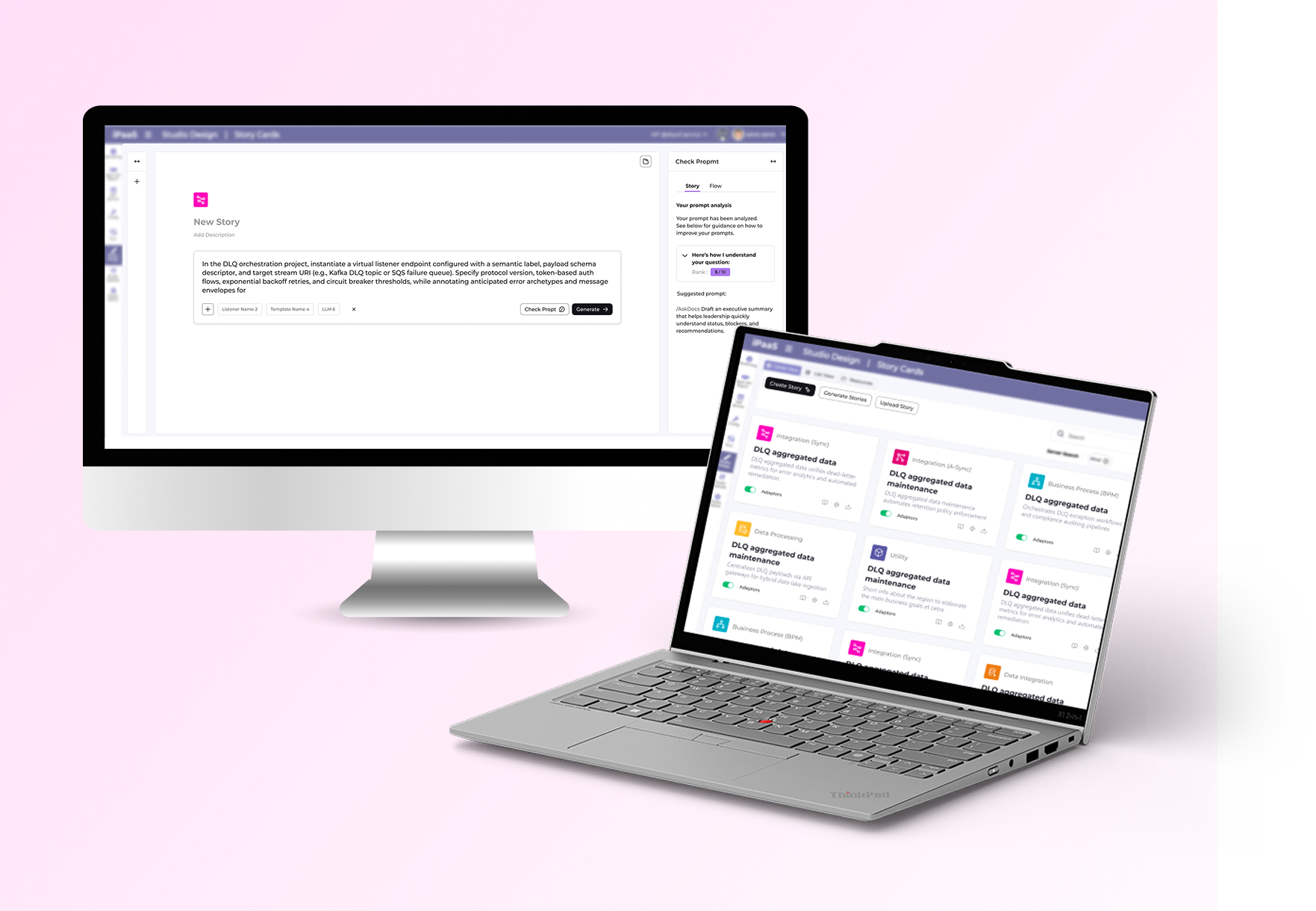
This LLM-powered UX transforms complex, multi-step story creation into a single, intuitive prompt-driven screen.

Role: UX/UI Product Designer & Researcher

Led design as the solo designer, collaborating with the project manager, and front-end/back-end development teams | Amdocs 2025

System Purpose:

The system gives customers and ops teams a clear drill-down view of backoffice activities—like orders, transactions, and sales—for full end-to-end visibility. It tracks any activity you need, while handling complex event processing and analysis.

Business problem

Creating a story in the system — which represents the setup of a workflow with event listeners and AI logic — was a complex and unintuitive process

What was the challenge?

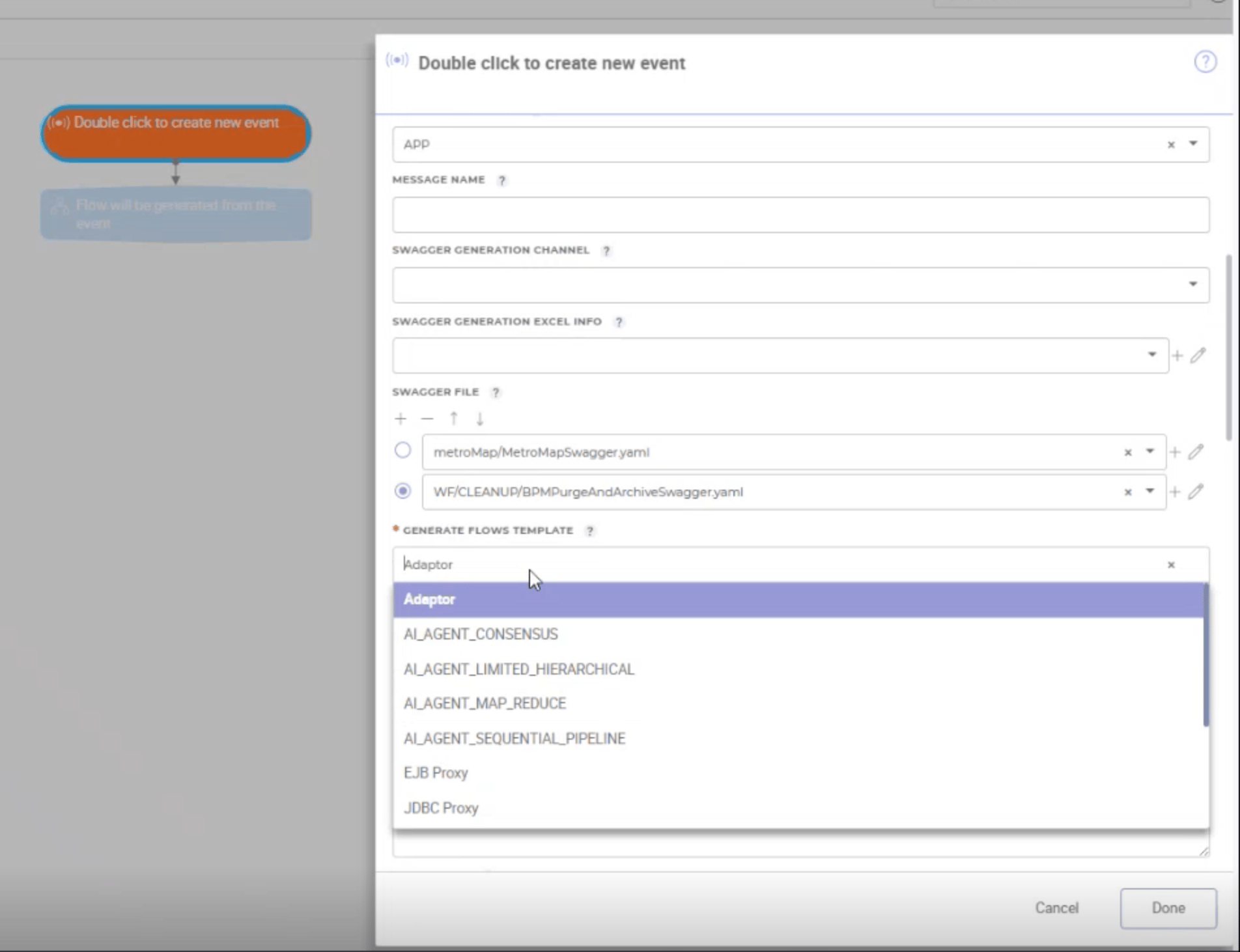
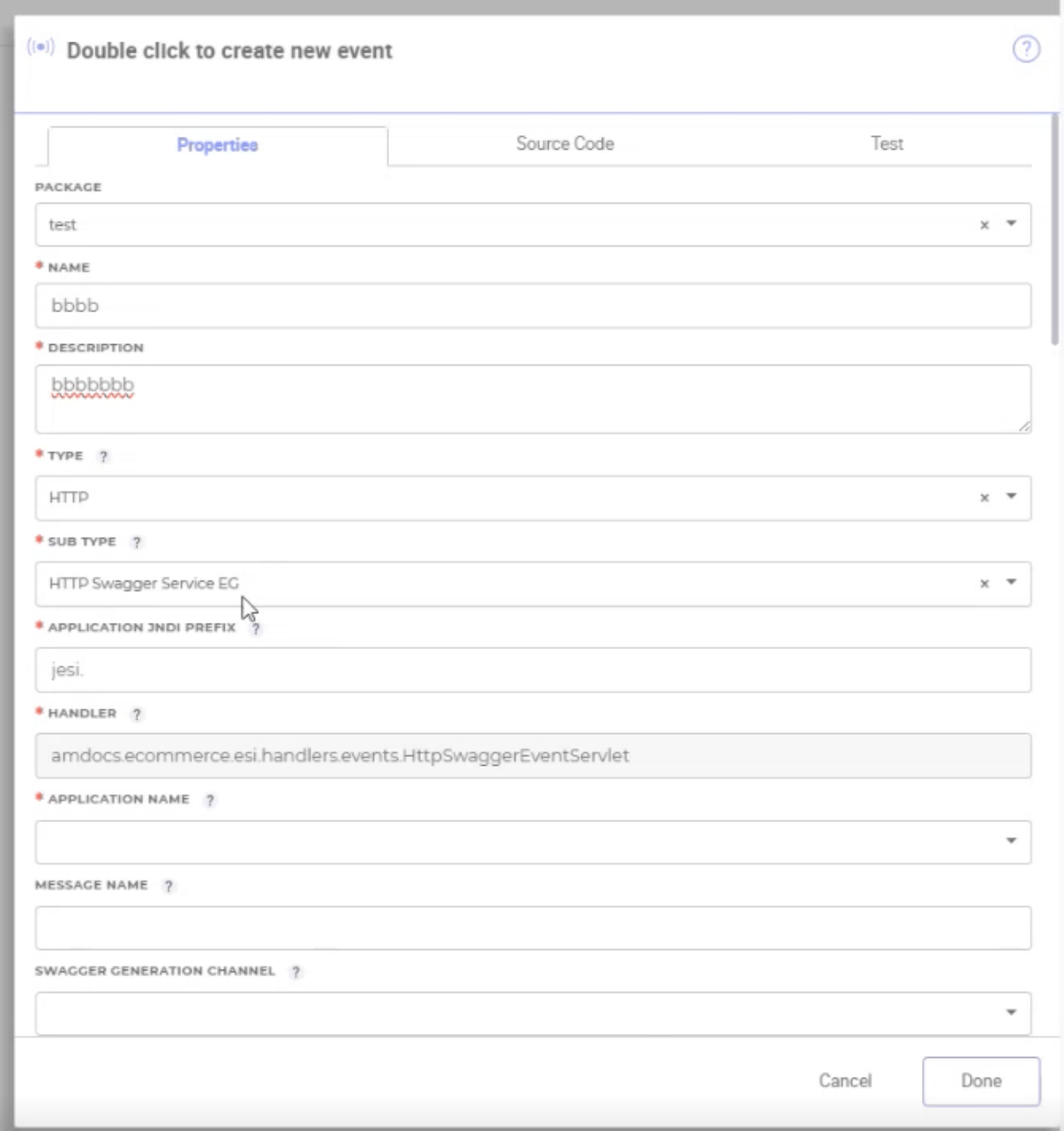
Users needs to complete multiple disconnected steps spread across several pop-ups, just for creating a new story. Making it difficult to understand the workflow as a whole.

The goal

The aim was to turn story creation from a fragmented expert-only flow into a guided configuration experience that users could understand end to end. The focus was on making technical concepts (listeners, operations, flows, file-based templates) usable without needing deep system knowledge

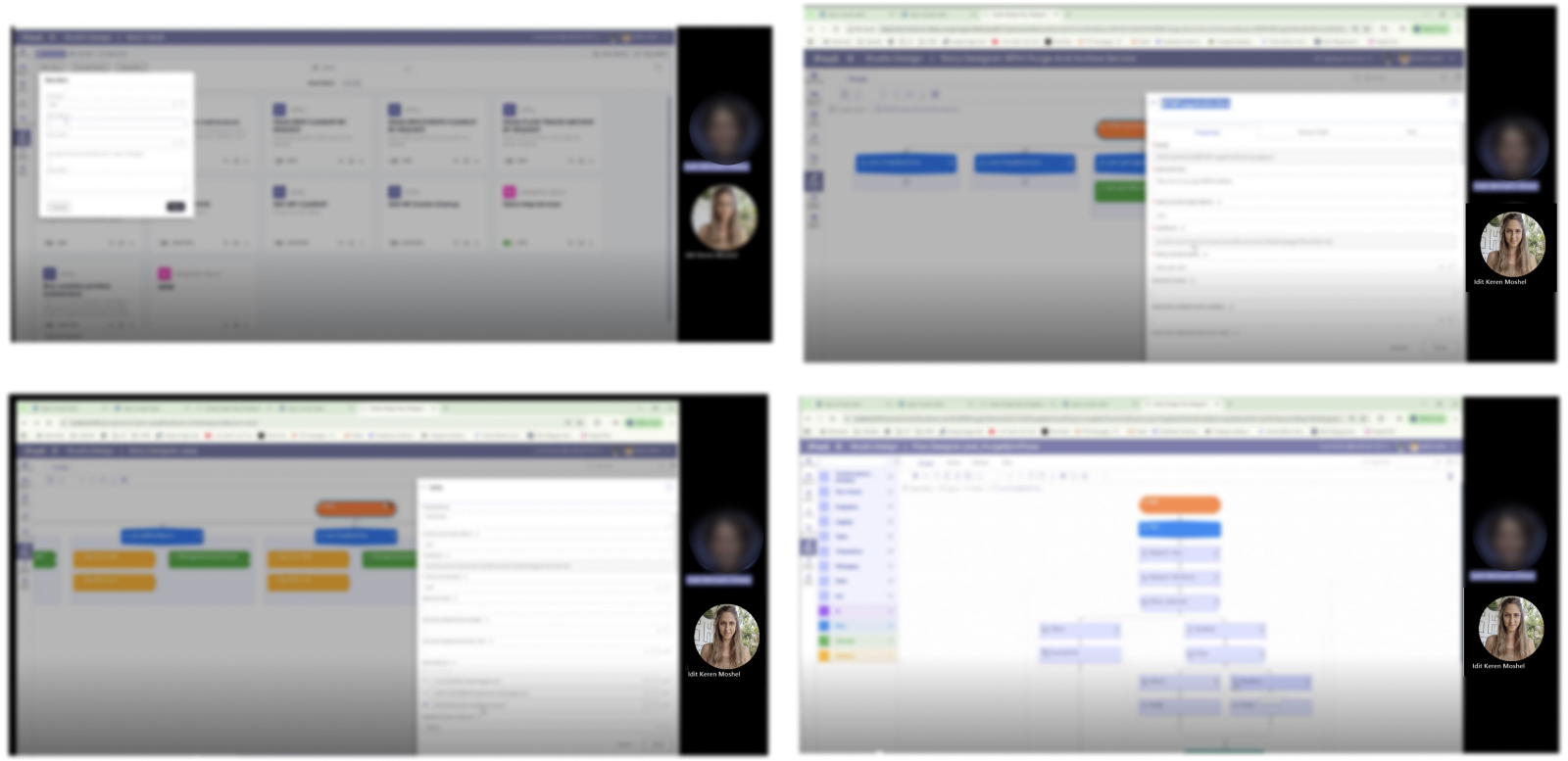
Old System look & feel

It needed to be redesign completely
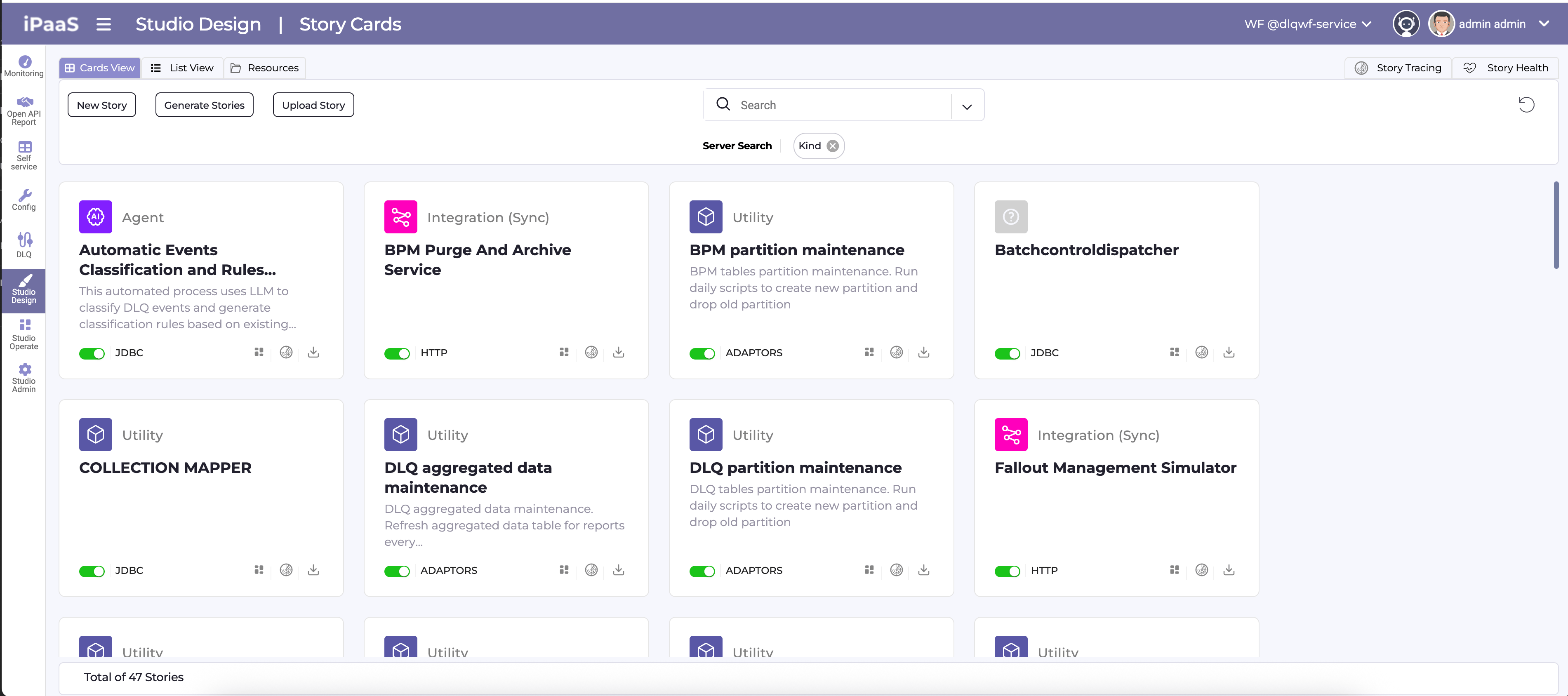
  • Each pop up- holds enormous type fields the user needs to provide
  • Pop ups that were all connected to the same story were scattered in different pages

Who are the users?

UX Team Leads:

Use the Fallout environment to prototype and iterate complex AI-driven story flows end‑to‑end, validating interaction patterns and edge cases before they reach production.

Product Owners:

Refine requirements directly in the tool by adjusting prompts and configurations, ensuring the experience stays aligned with business goals and changing stakeholder needs.

Developers:

Safely test and adjust logic, listeners, and integrations in a realistic sandbox, catching implementation issues early while preserving the full context of each story.

Client Stakeholders:

Explore near‑final flows in an interactive environment, quickly reviewing scenarios, giving targeted feedback, and confirming the system meets real operational needs.

1 . User Interviews

I interviewed users to uncover daily tracking pain points.

2. Card Sorting

Organized user interview pain points and needs into clear categories.

LLM Selection:

"Why is picking the AI type just a dropdown? I need more guidance on what each one does."

Interaction (UI issues)

“I’m not sure what this ‘Template’ means — is it a flow or something else?”

Flow Generation:

Generate Flow button does… what exactly? I click it but have no idea what listener logic it's messing with."

File Uploads:

"Uploading files upfront for certain listeners feels random—why can't I do this later?"

Journey (Process issues)

“Every pop-up interrupts my thinking and breaks my flow.”

Journey (Process issues)

“I can’t see how listeners, files, and flows connect.”

Journey (Process issues)

“I don’t have one place to review the whole story before finishing.”

Onboarding & Guidance

“I don’t know where to start as a first-time user.”

Onboarding & Guidance

“I only realize I did something wrong after I finish.”

Checkbox Confusion:

"That 'Generate Flow' checkbox syncs with filters? Nothing tells me that, and it breaks my setup every time."

Template Mislabeling:

"Why call it just 'Template'? It's actually a Flow Template—I waste time figuring this out."

Story Pop-up Overload:

"Finally make a story, then BAM—another pop-up for Package/Name/Description. Too many steps!"

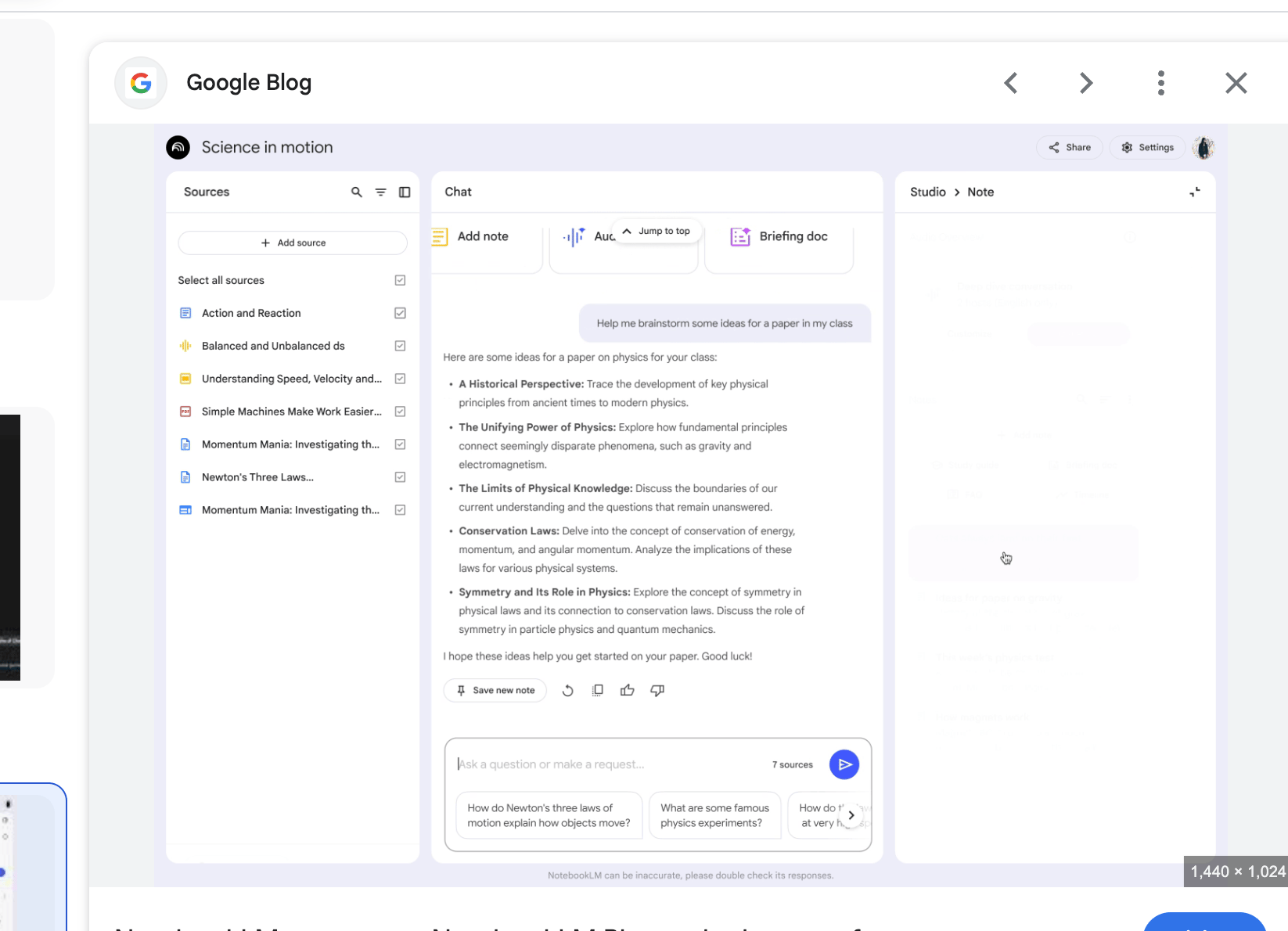
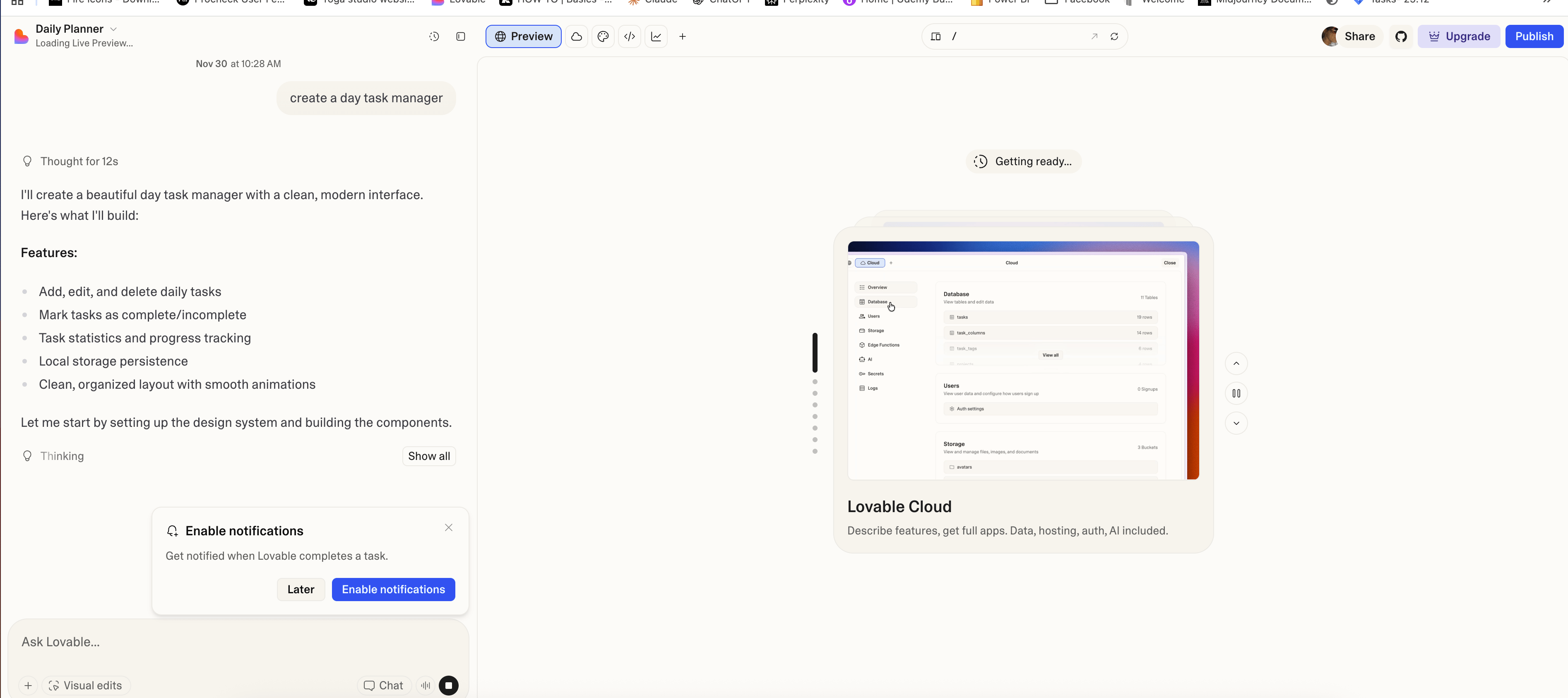
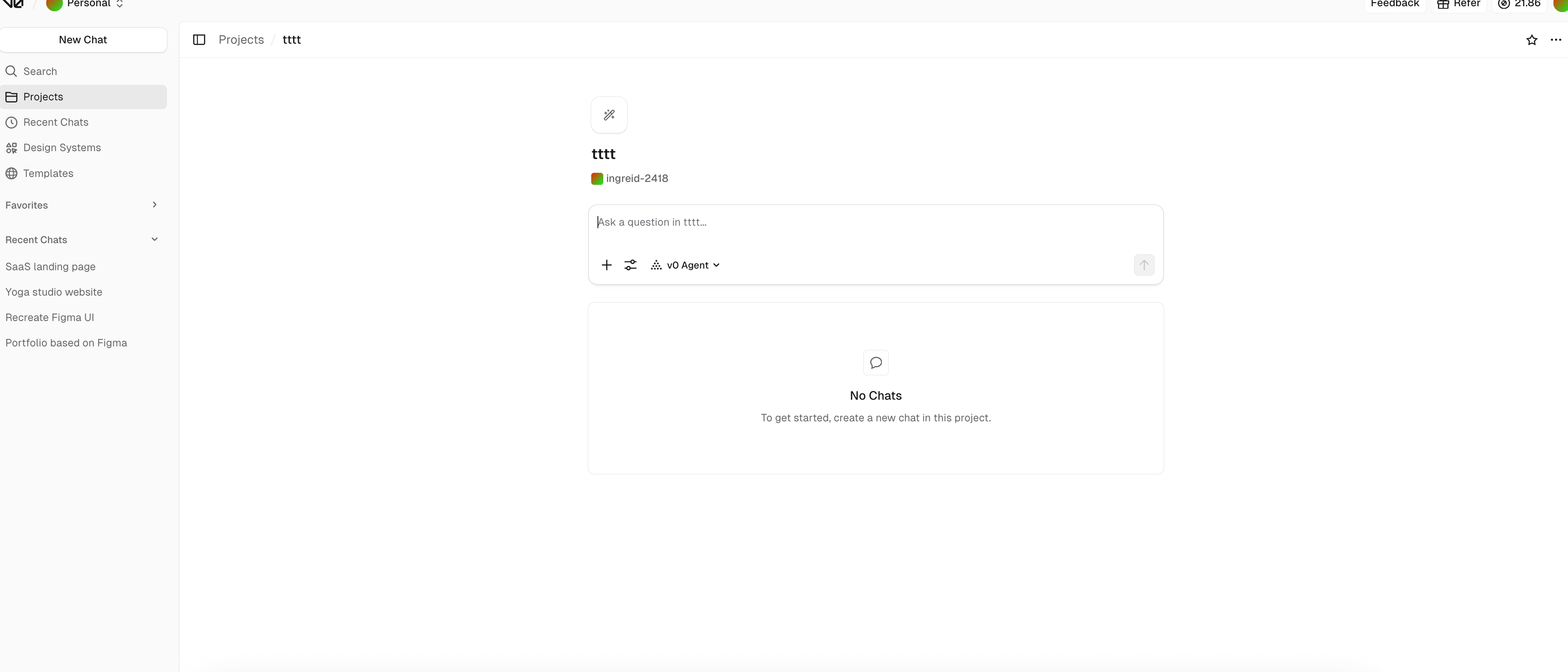
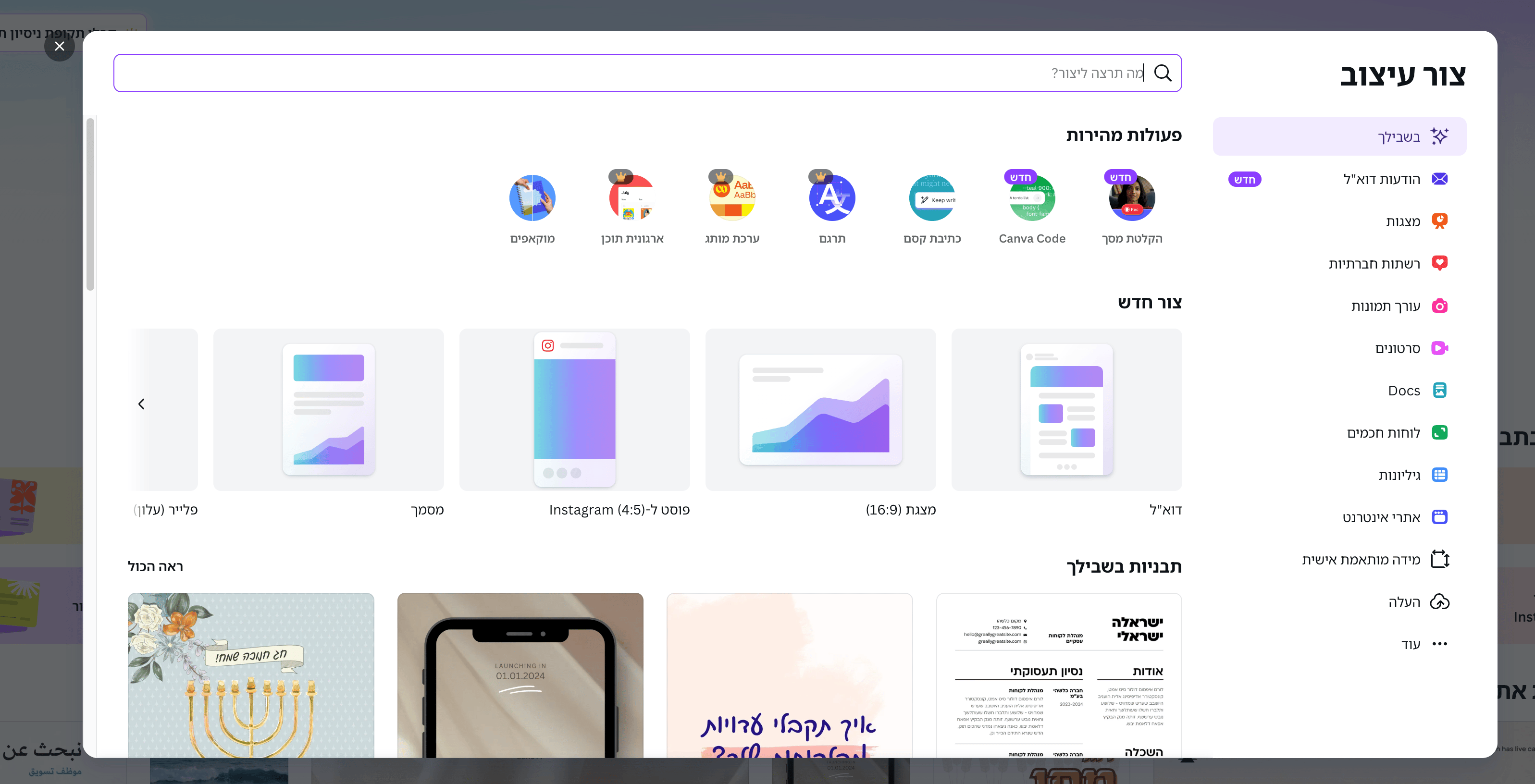
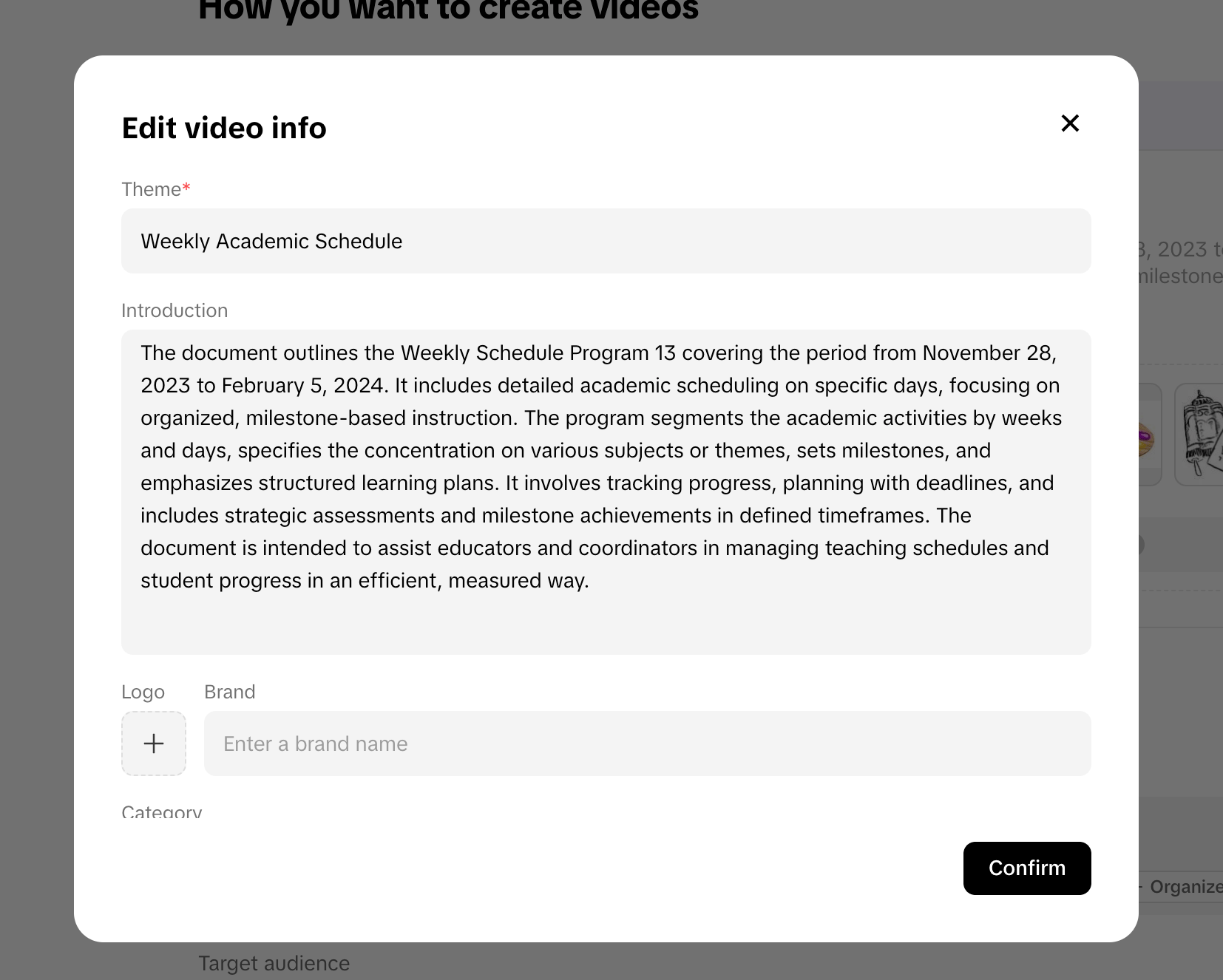
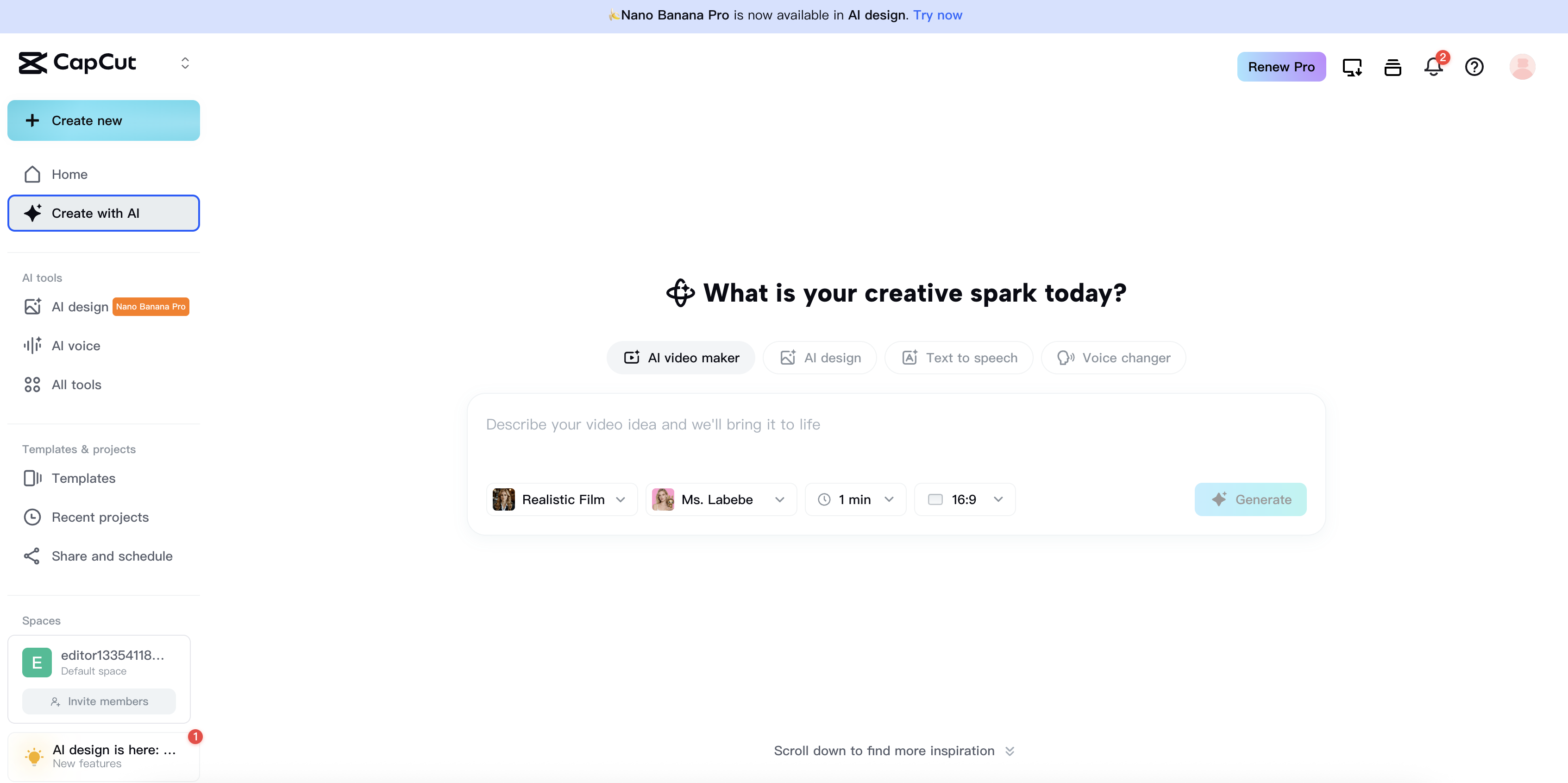
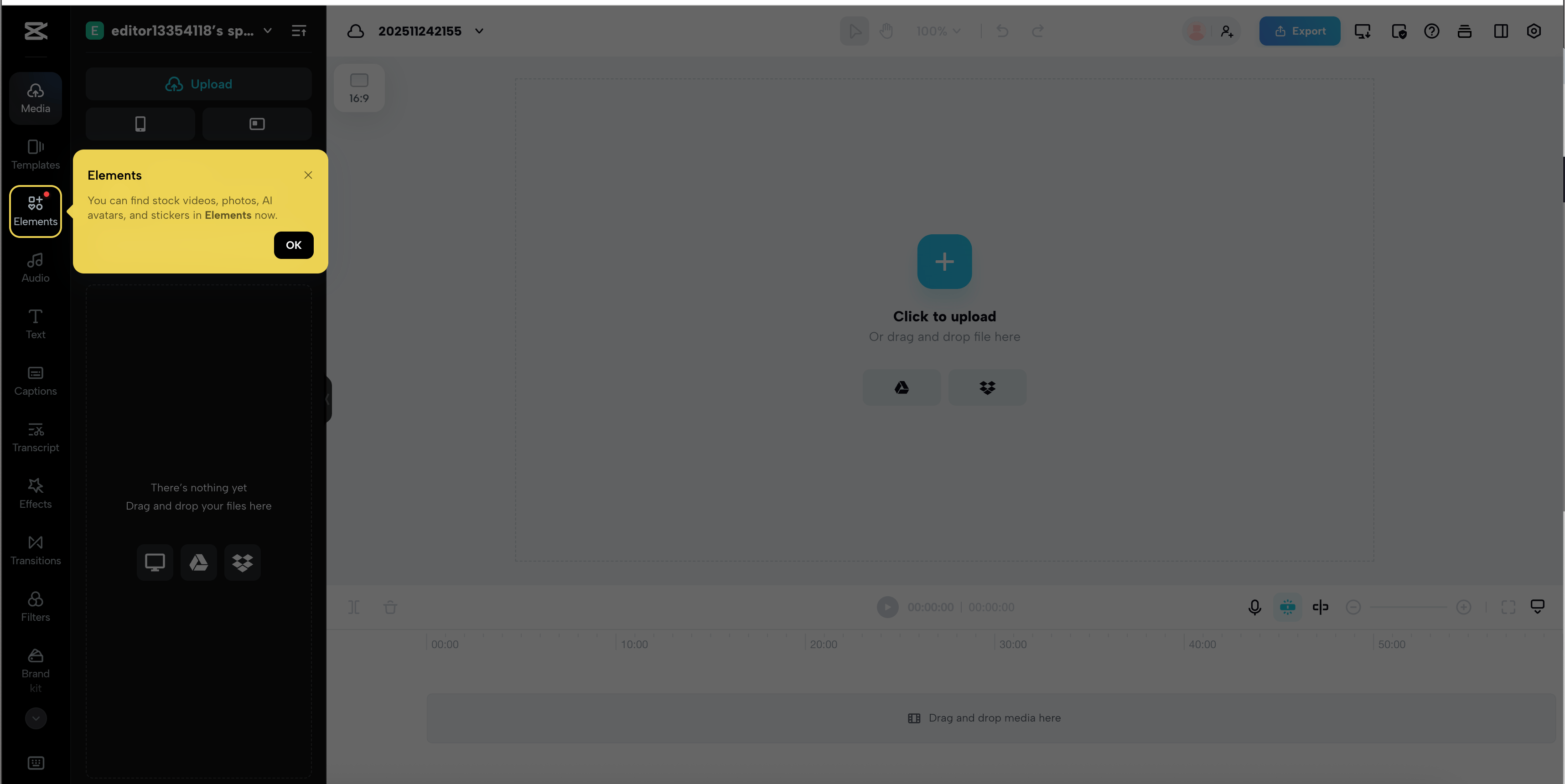
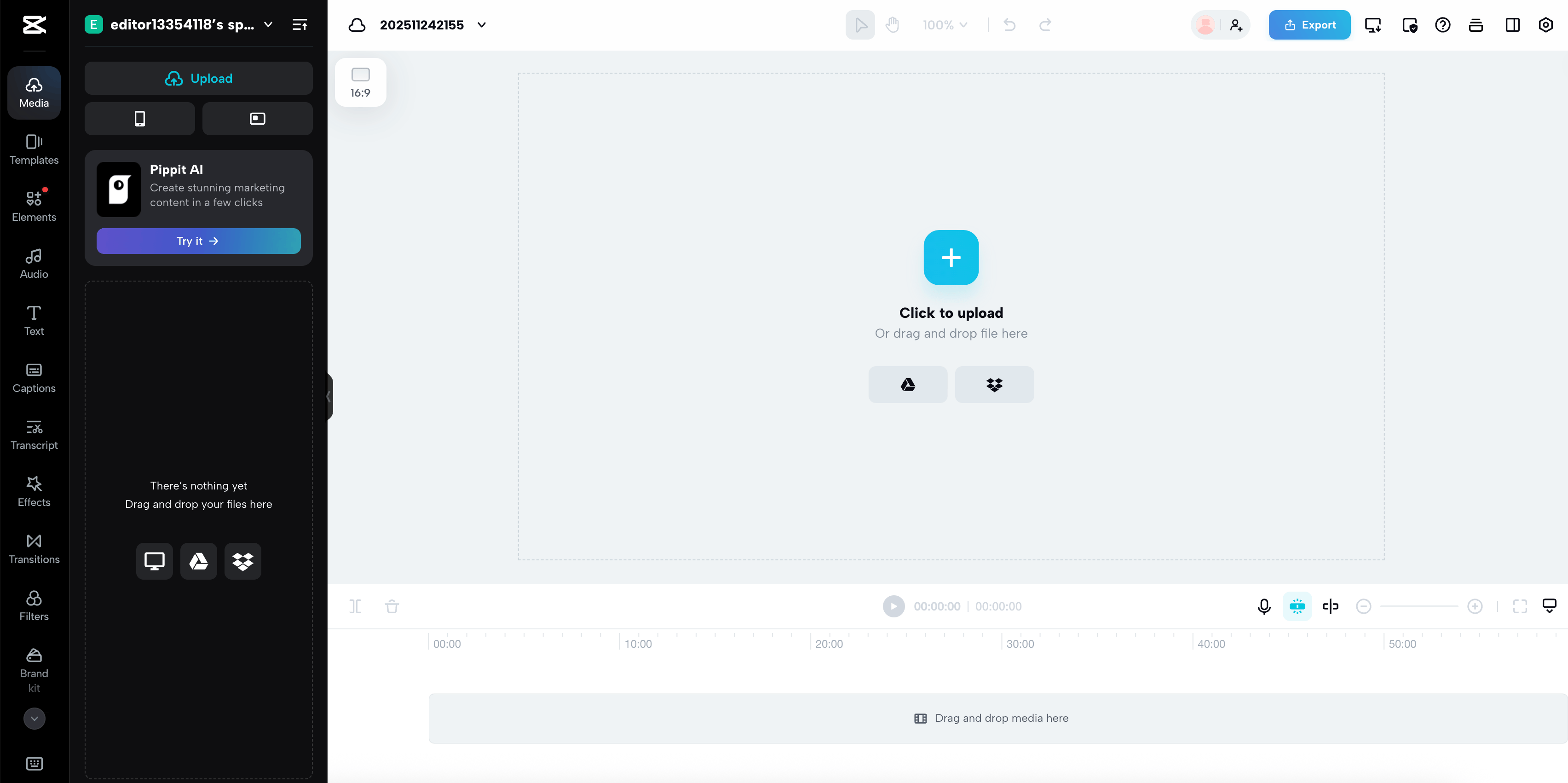
3. Industry Comparison

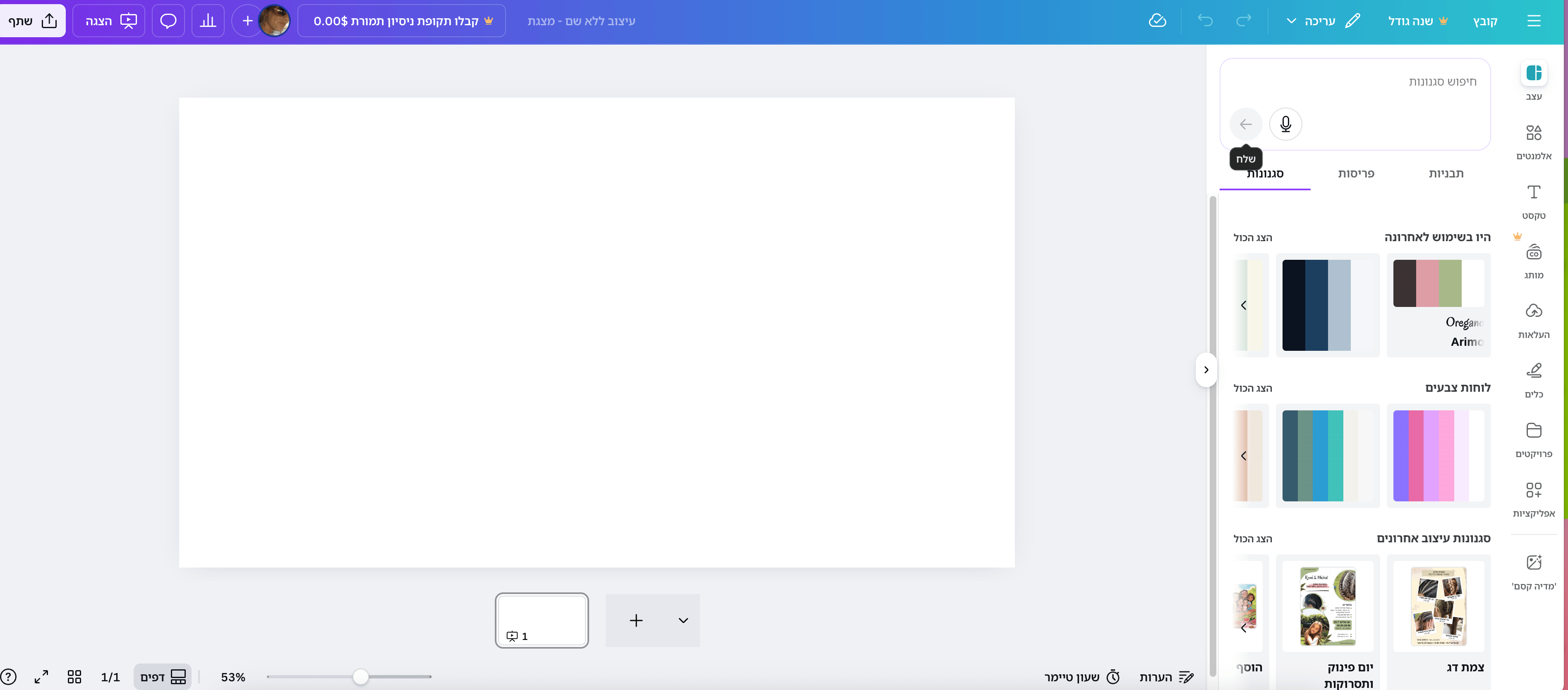
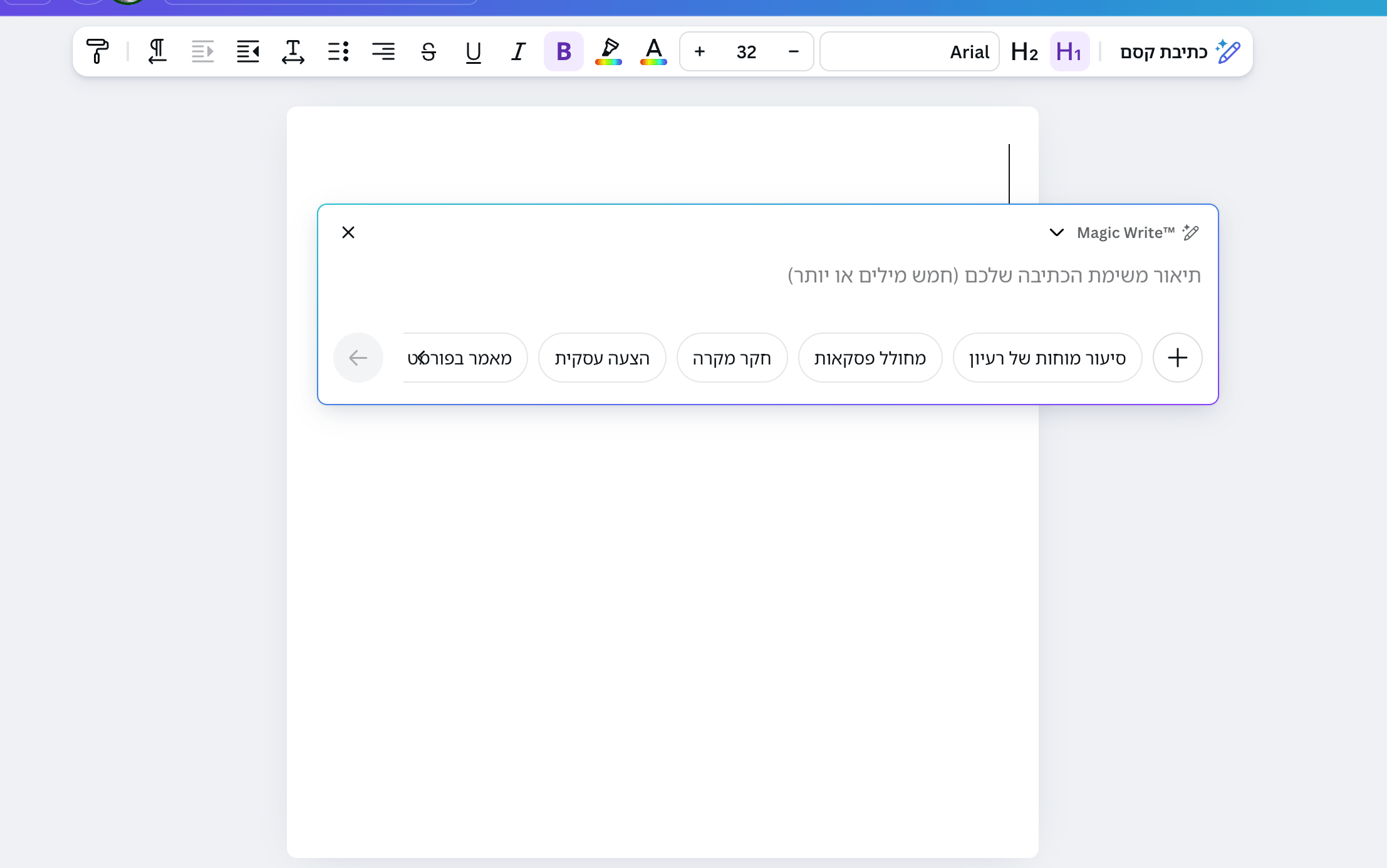
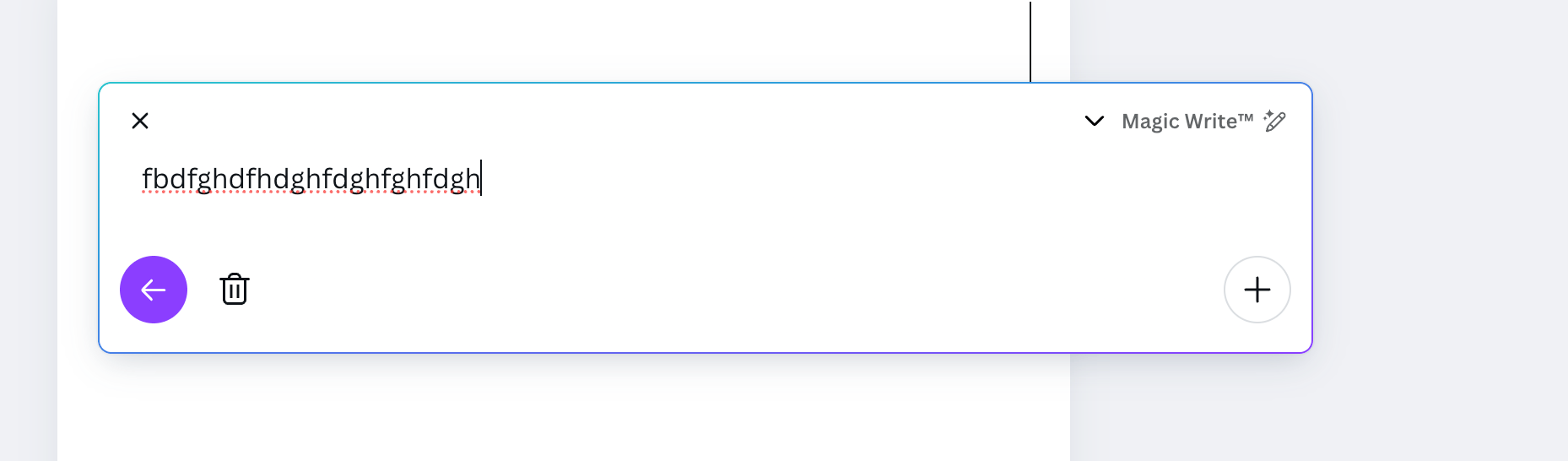
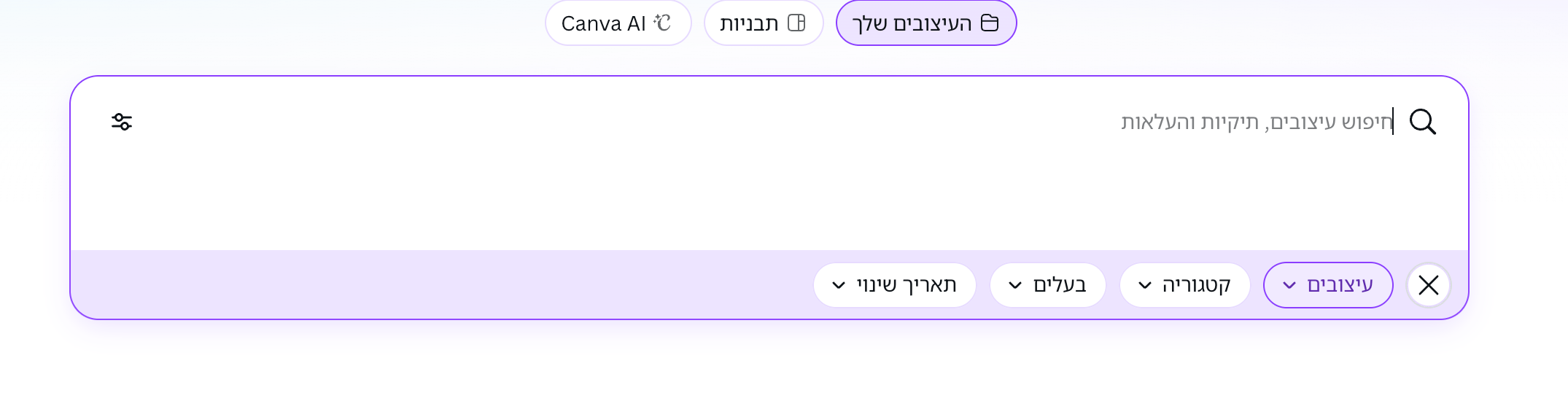
Goals:Spotting gaps where our design can truly stand out

Identify UX gaps:

Analyze competitor interfaces to discover visualization and navigation weaknesses your prototype improves.

Benchmark features:

Compare core workflow functions (automation, dependencies, status tracking) against industry leaders.

Differentiate design:

Highlight unique dashboard clarity and cognitive load reduction vs. typical tool clutter.

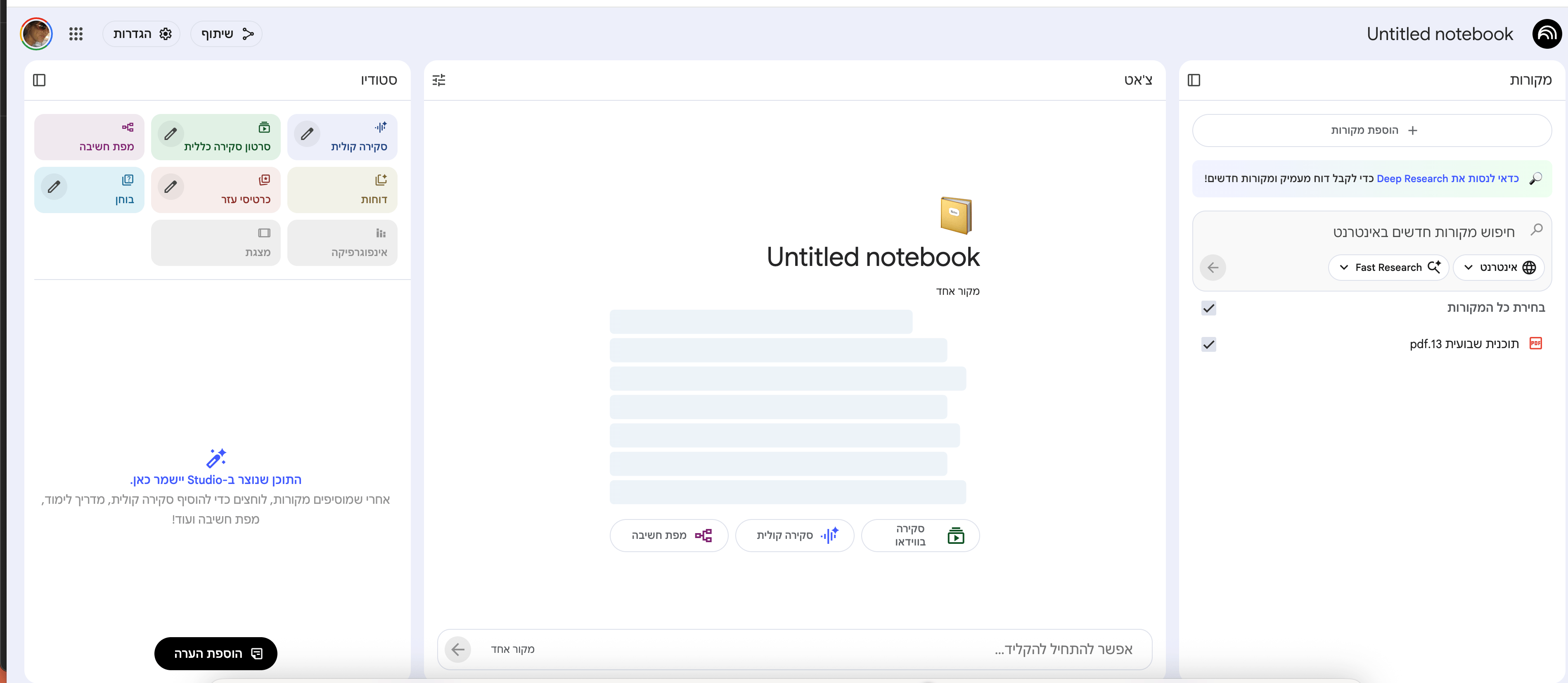
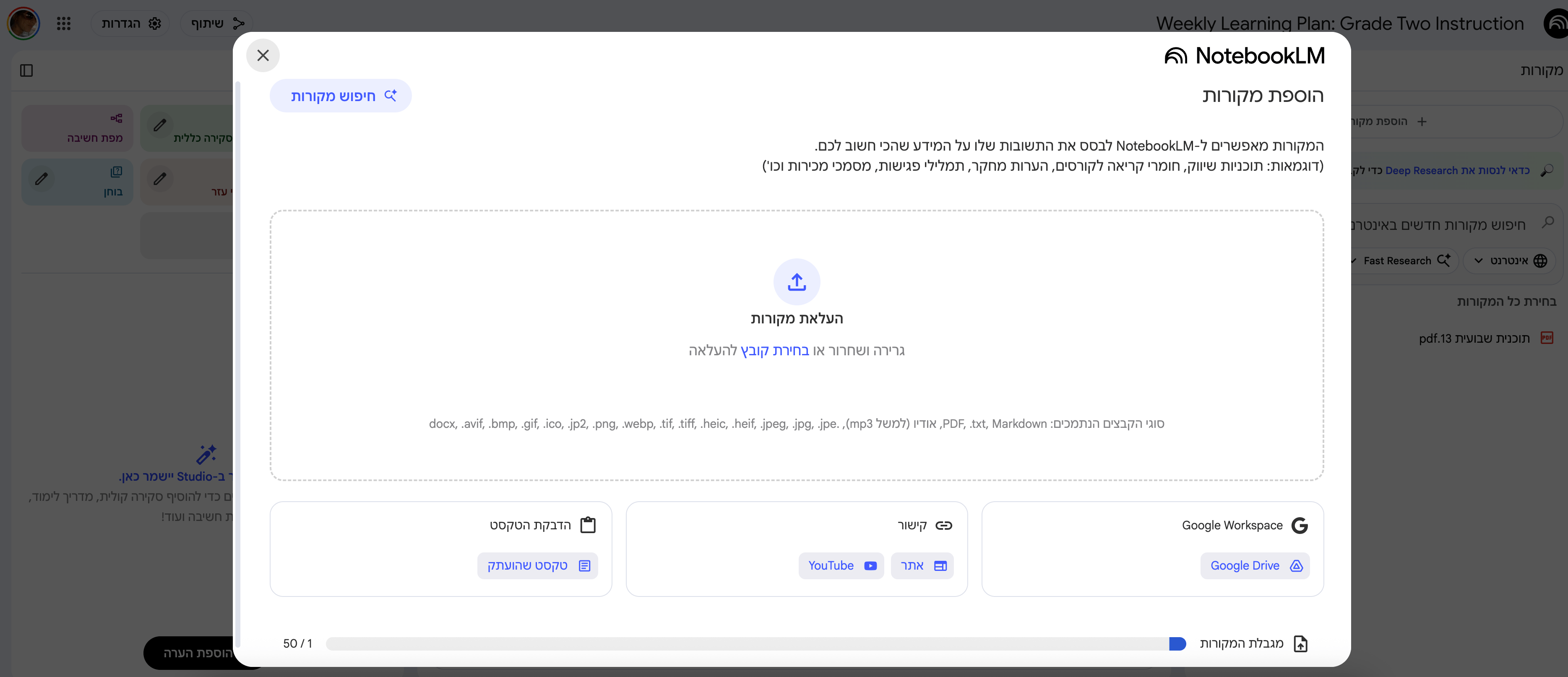
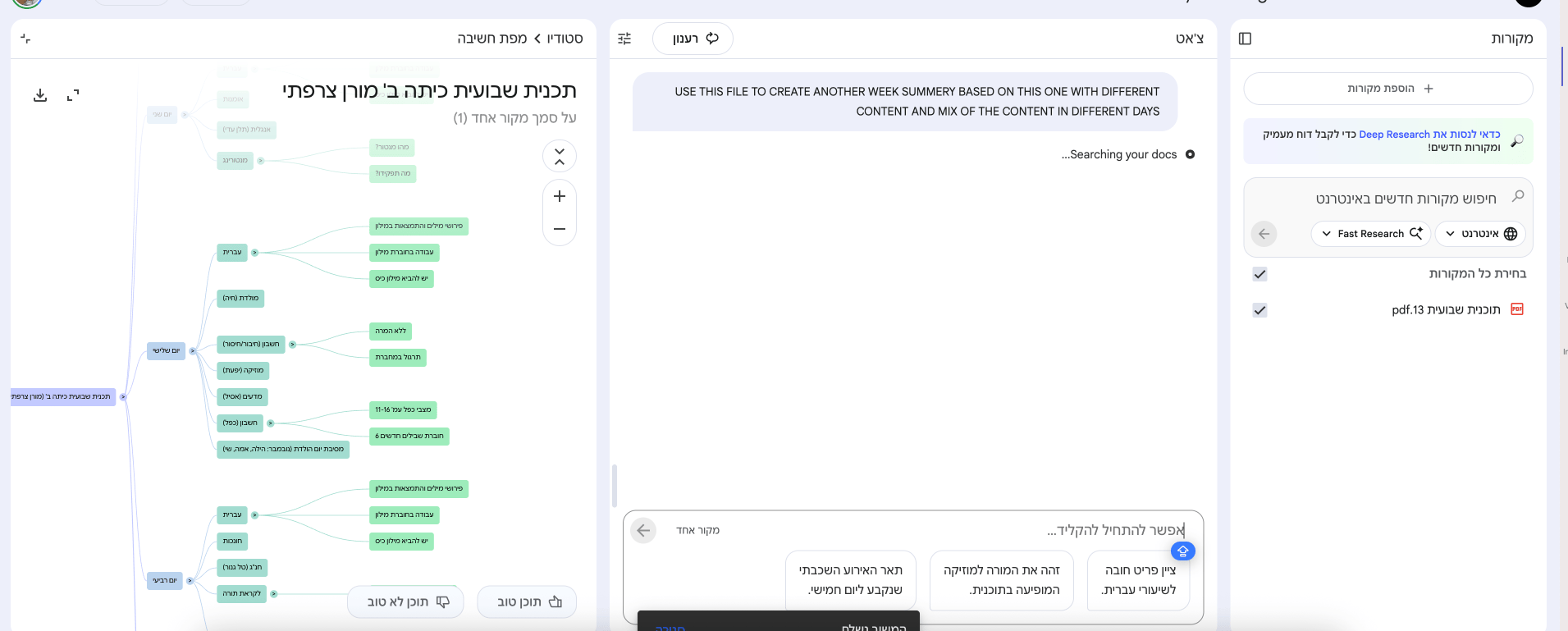
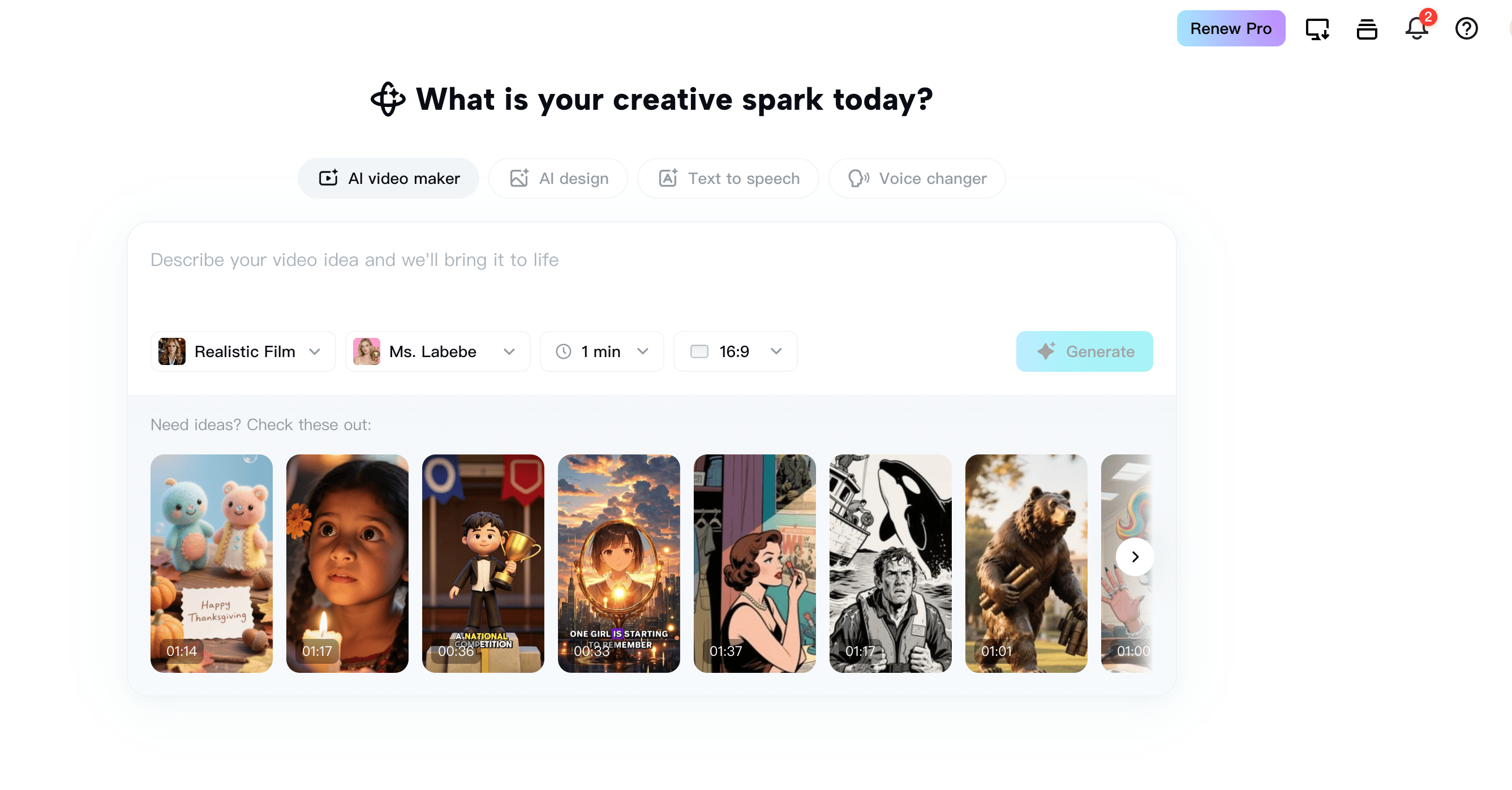
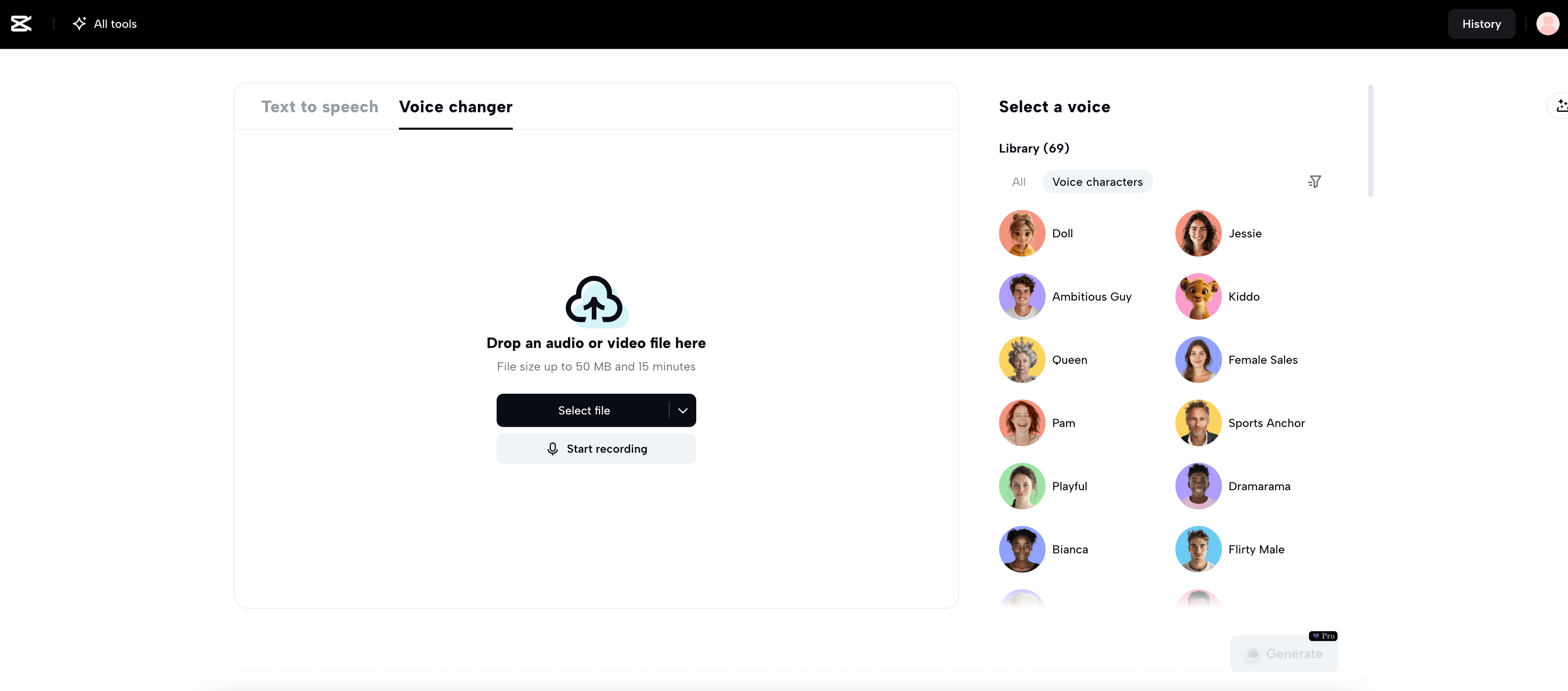
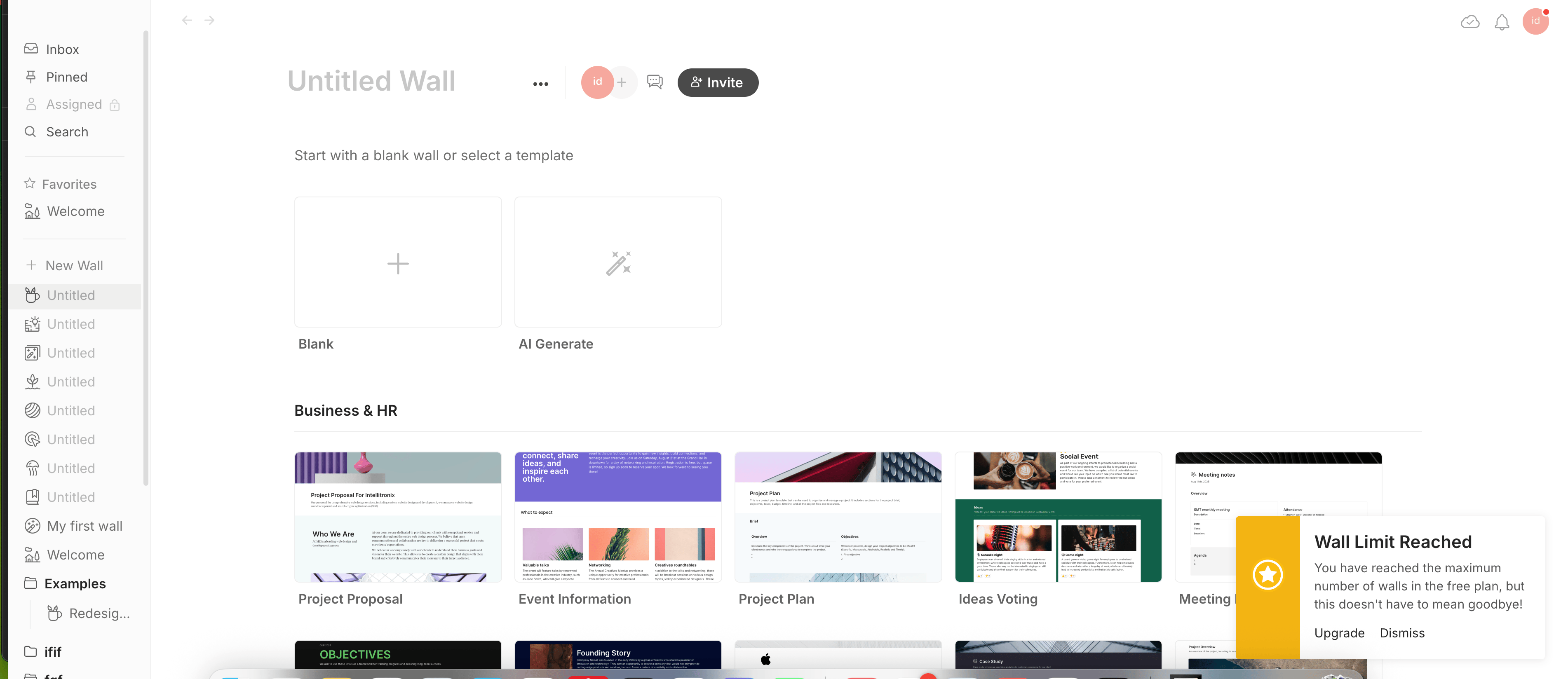
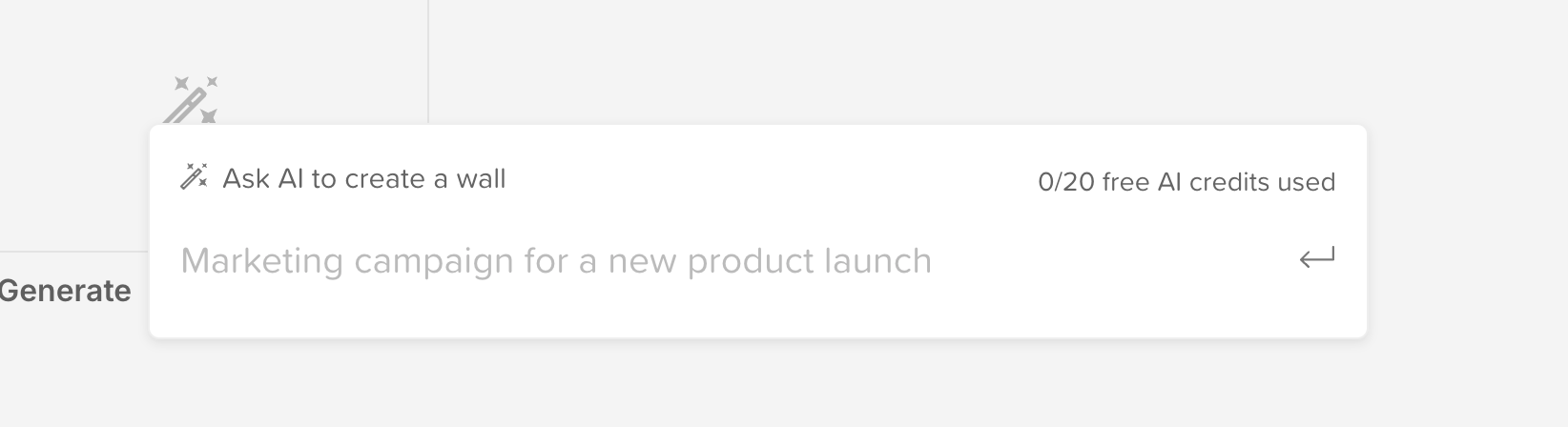
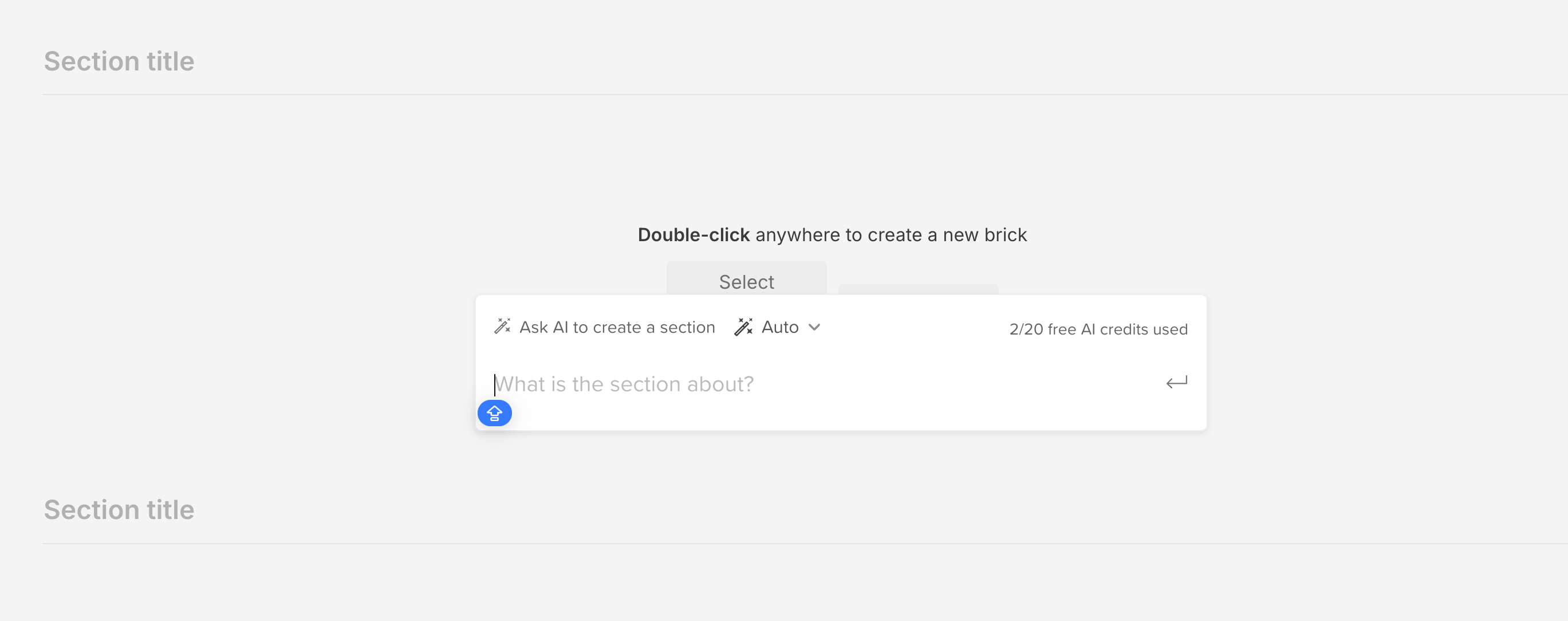
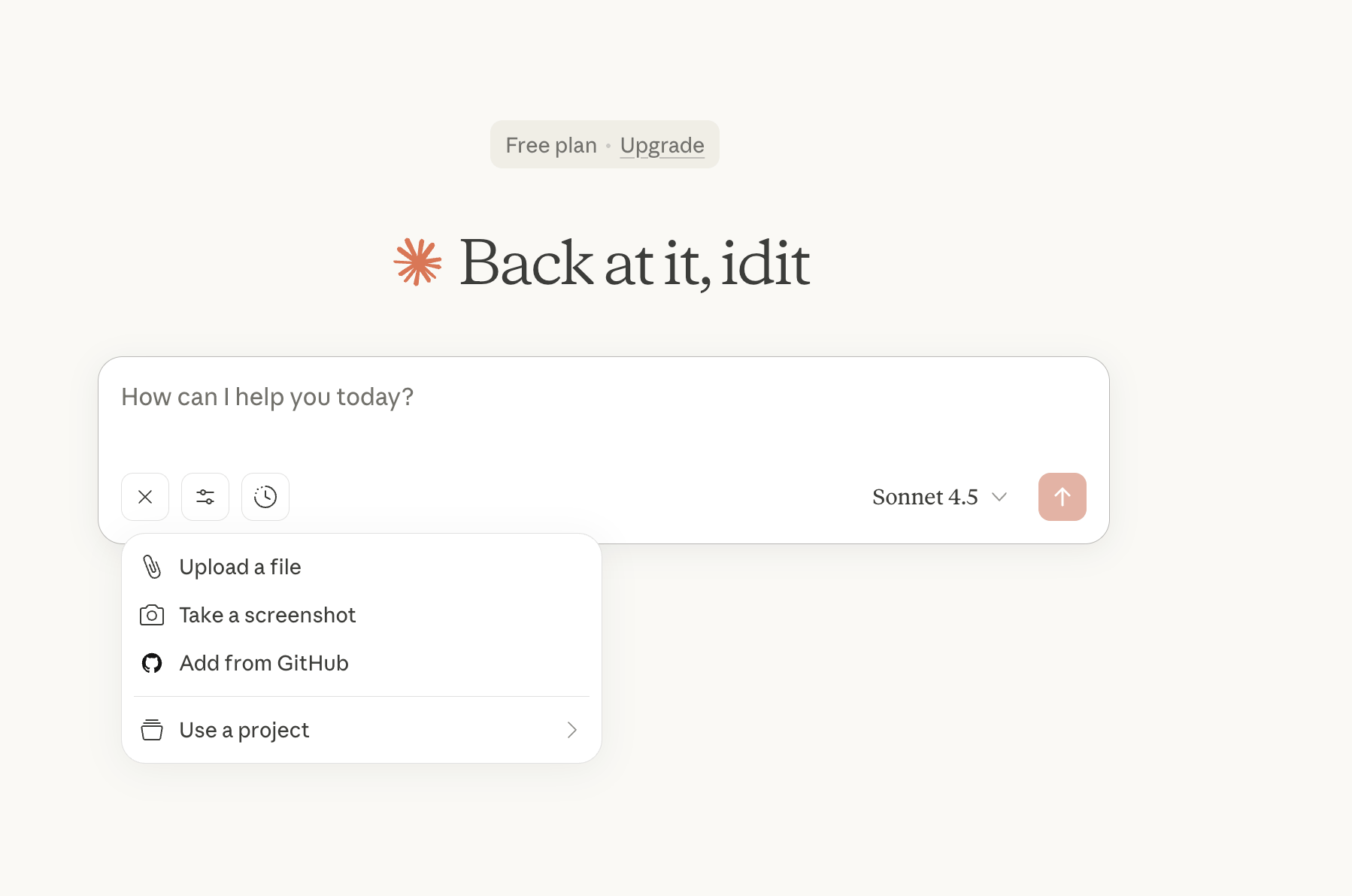
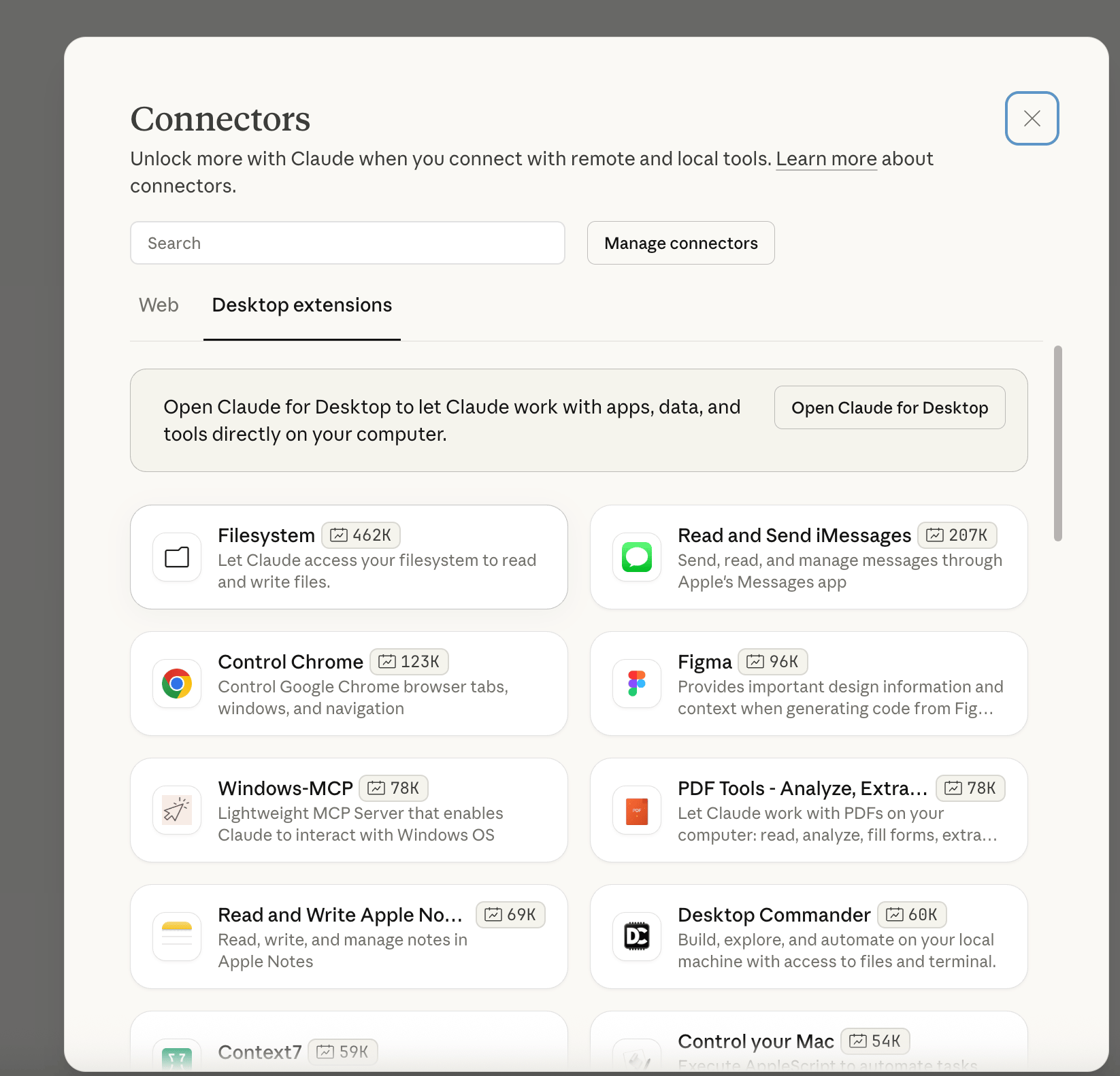
NotebookLM

Lovable

Canva

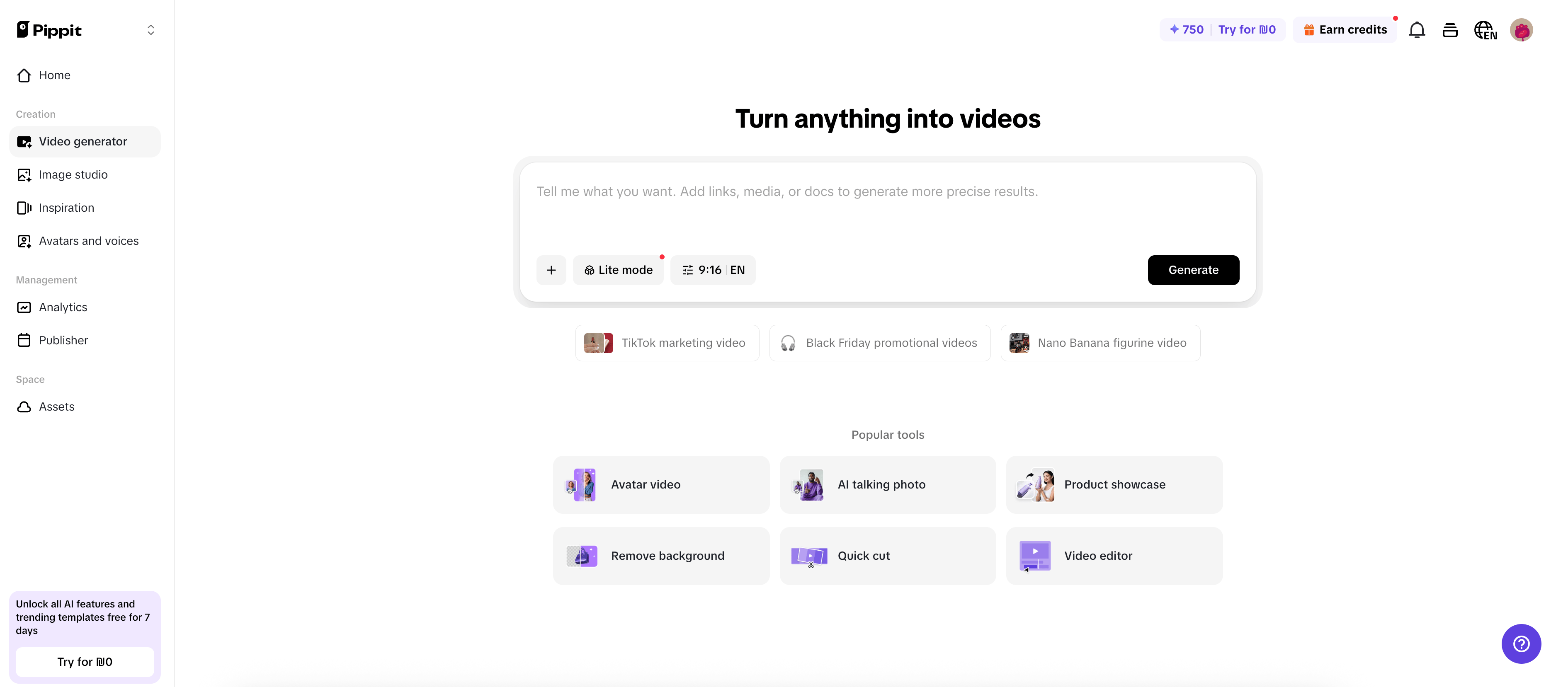
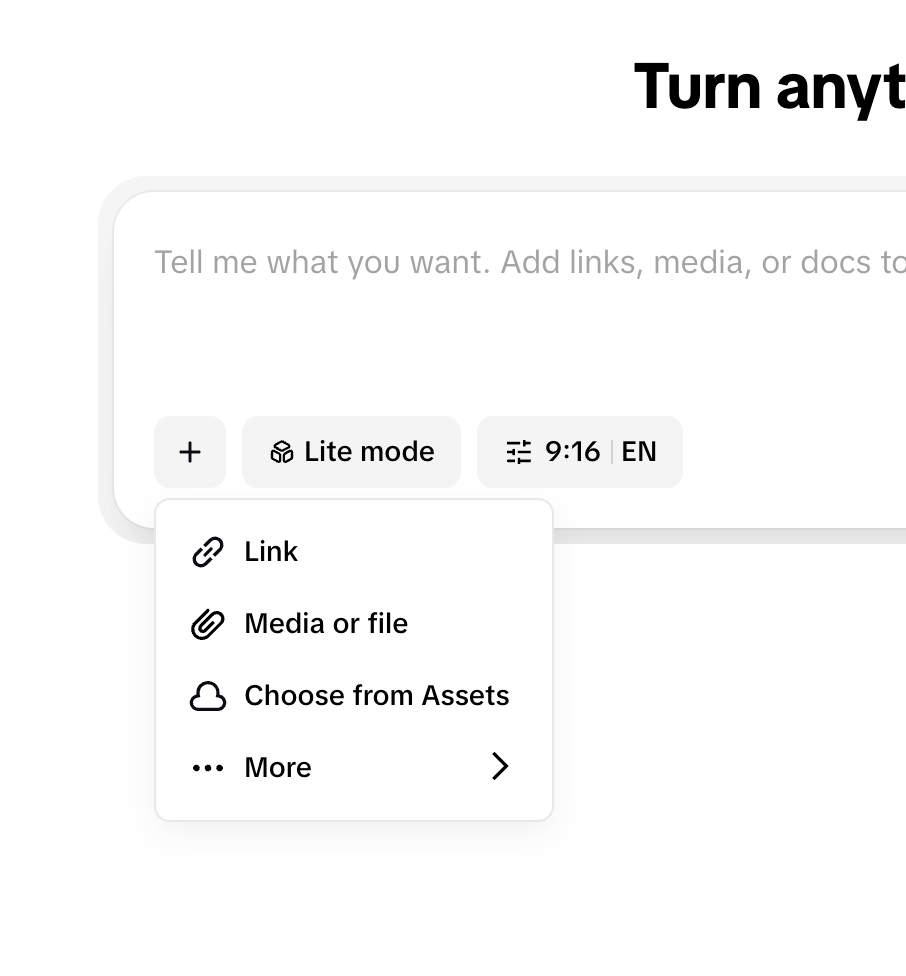
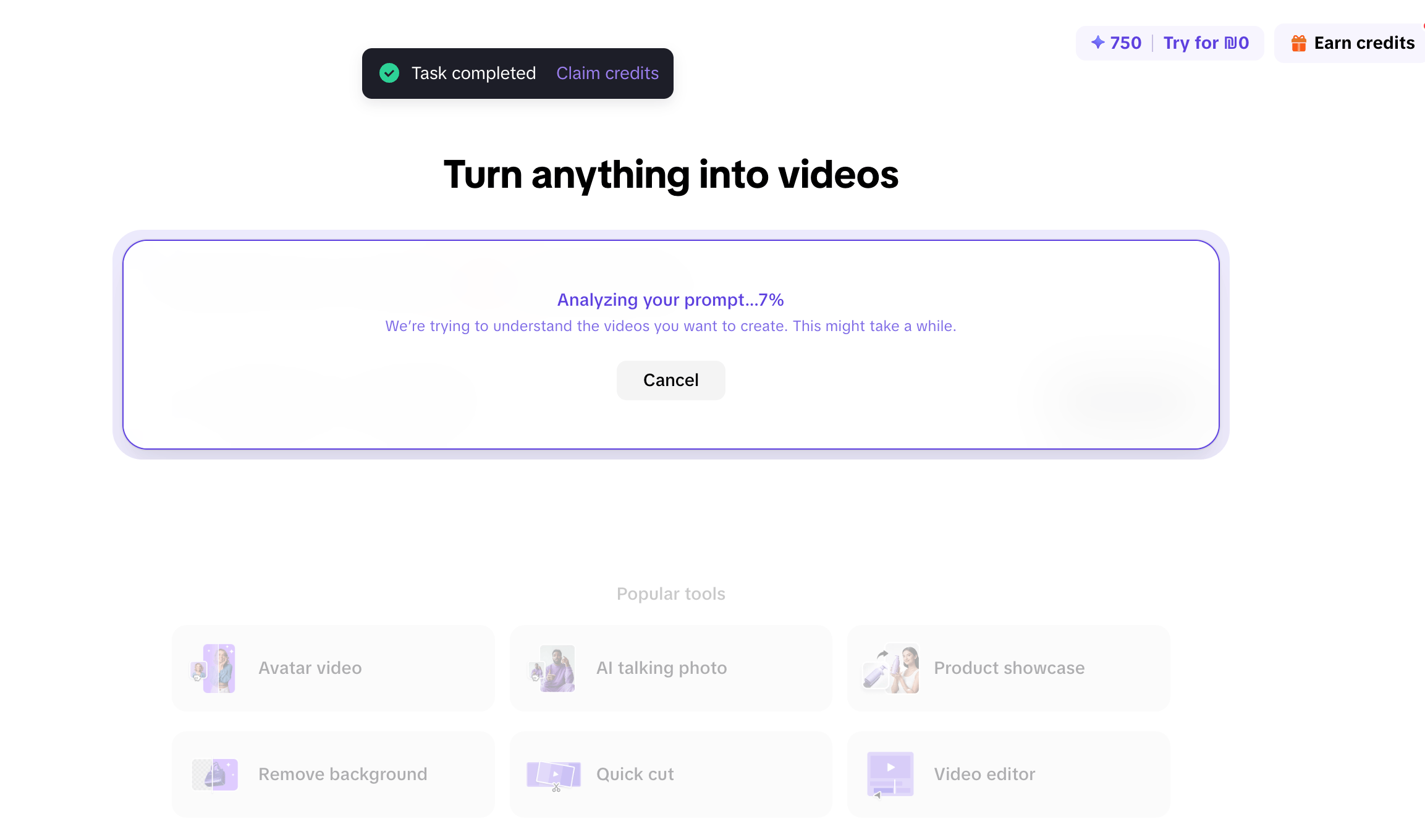
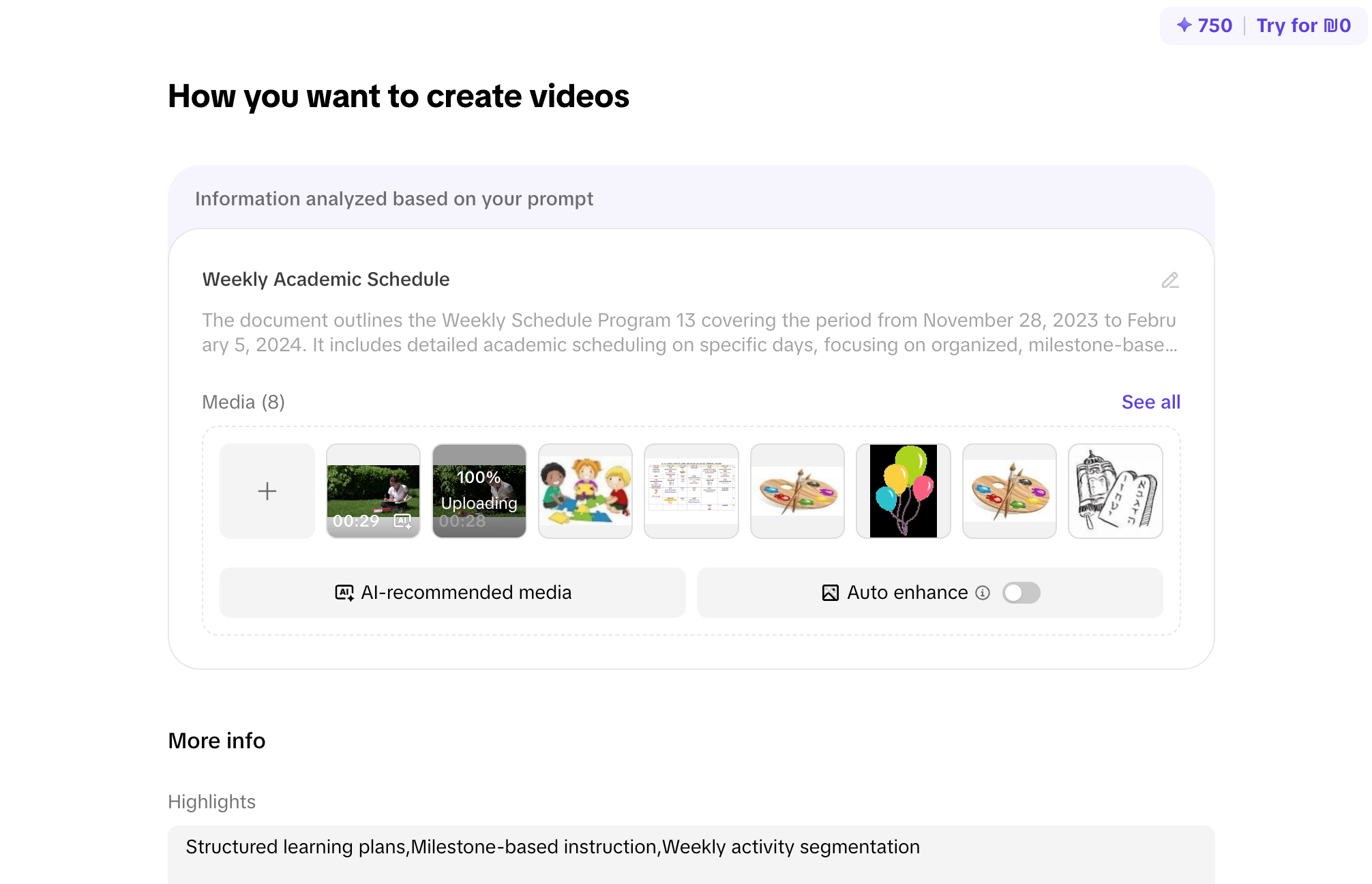
Pipit

Cupcut

Walling

Clude

Claude

UX/UI Design Decisions

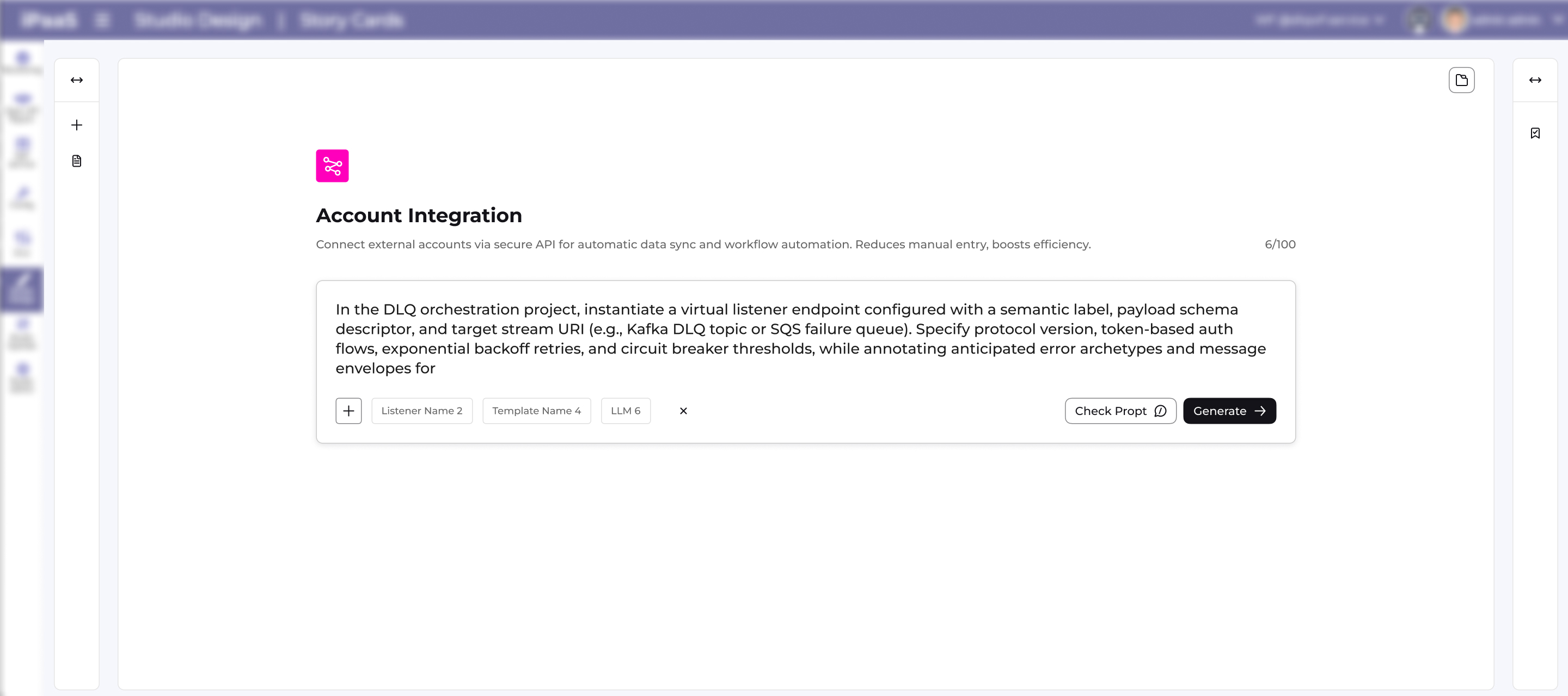
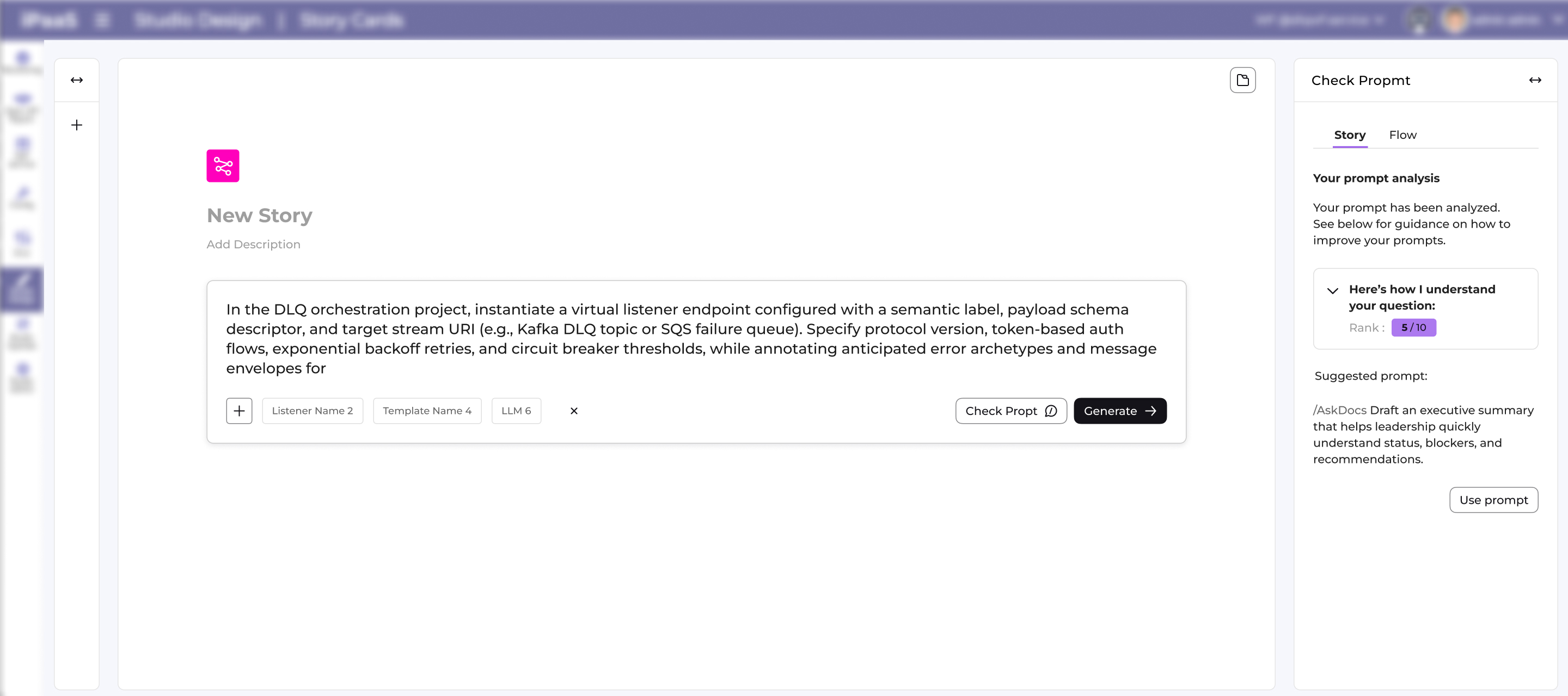
Single focused workspace

Central canvas for the story card so users can concentrate

on the prompt without side distractions,

while keeping navigation and tools visually recessed in the

background frame.Clear story-first hierarchyI’ve placed the “New Story” title, description hint, and main prompt area at the top-left, following reading order, which guides users to define the story before touching advanced controls.


Safe, explicit action controlsYou separated “Check Prompt” and “Generate” into distinct buttons under the card, making it clear whether the user is validating the prompt or running the generation, which reduces accidental runs and supports an iterative workflow.

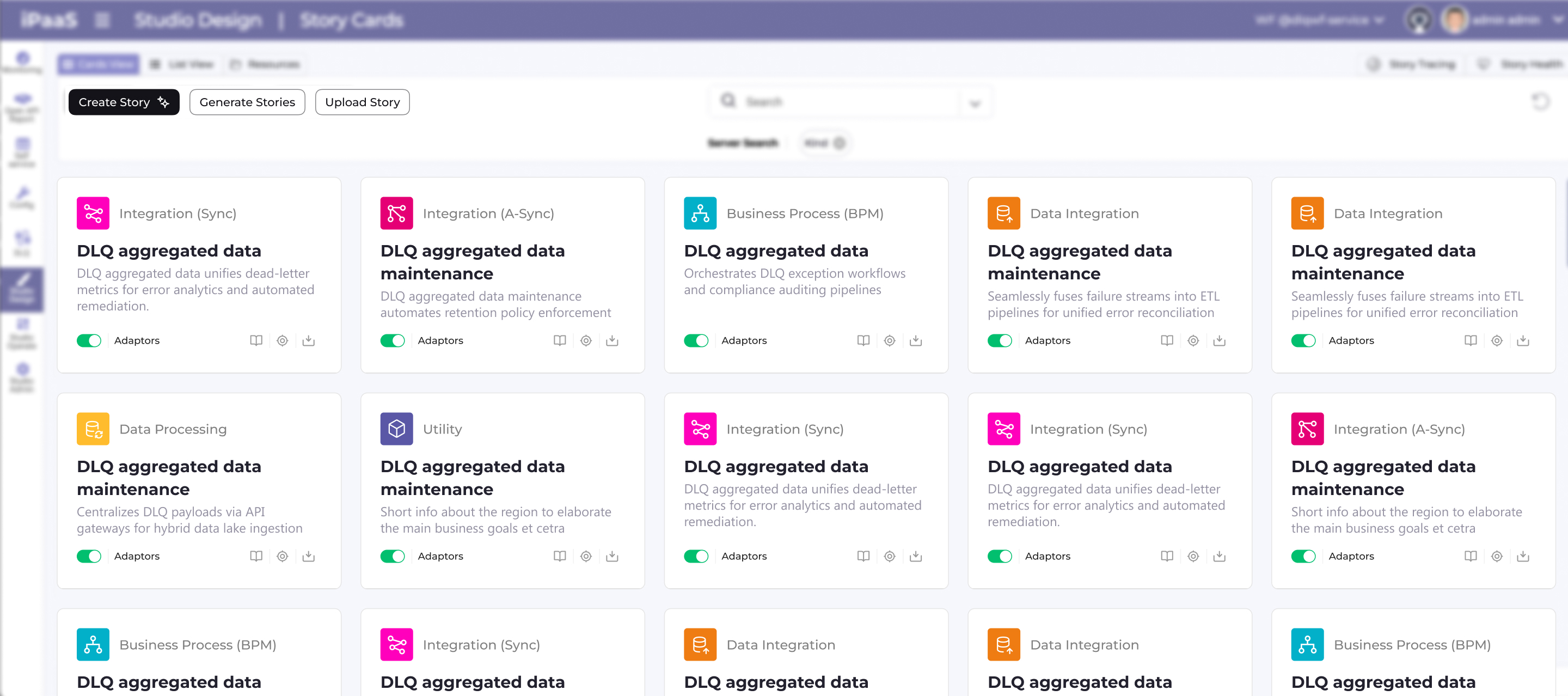
Entry Screen

This entry screen is designed to set context, build confidence, and guide users into action with minimal friction.

Prompt-to-Story Screen

Users simply describe their needs, and the system automatically generates structured story logic, streamlining workflows for SaaS and AI-driven platforms.

Seamless Data Consolidation

I've added hidden icons and dropdowns consolidate scattered data into one seamless page for faster, error-free story creation.

Prompt Check & Rank

Added a "Check Prompt" feature with instant rank (e.g., 8/10), analysis summary, and actionable tips to craft efficient prompts—helping users refine inputs before generation for better story logic every time.

Editable Story Refinement

Prompt stays editable post-story generation, enabling instant tweaks and rapid iteration without resets—key for refining complex logic.

Outcome

  • Rapid iteration: Users tweak prompts instantly without rebuilding from scratch, speeding up design cycles.
  • Keeps product relevant: Leverages latest tech for live updates, ensuring the system stays cutting-edge and never outdated.
  • Fewer mistakes: Edit prompts in place to avoid retyping full context, keeping complex logic accurate without starting over.

Works

Fallout management service

Story Creation (AI Feature)

Project

This LLM-powered UX transforms complex, multi-step story creation into a single, intuitive prompt-driven screen.

Role: UX/UI Product Designer & Researcher

Led design as the solo designer, collaborating with the project manager, and front-end/back-end development teams | Amdocs 2025

System Purpose:

The system gives customers and ops teams a clear drill-down view of backoffice activities—like orders, transactions, and sales—for full end-to-end visibility. It tracks any activity you need, while handling complex event processing and analysis.

Business problem

Creating a story in the system — which represents the setup of a workflow with event listeners and AI logic — was a complex and unintuitive process

What was the challenge?

Users needs to complete multiple disconnected steps spread across several pop-ups, just for creating a new story. Making it difficult to understand the workflow as a whole.

The goal

The aim was to turn story creation from a fragmented expert-only flow into a guided configuration experience that users could understand end to end. The focus was on making technical concepts (listeners, operations, flows, file-based templates) usable without needing deep system knowledge

Old System look & feel

It needed to be redesign completely
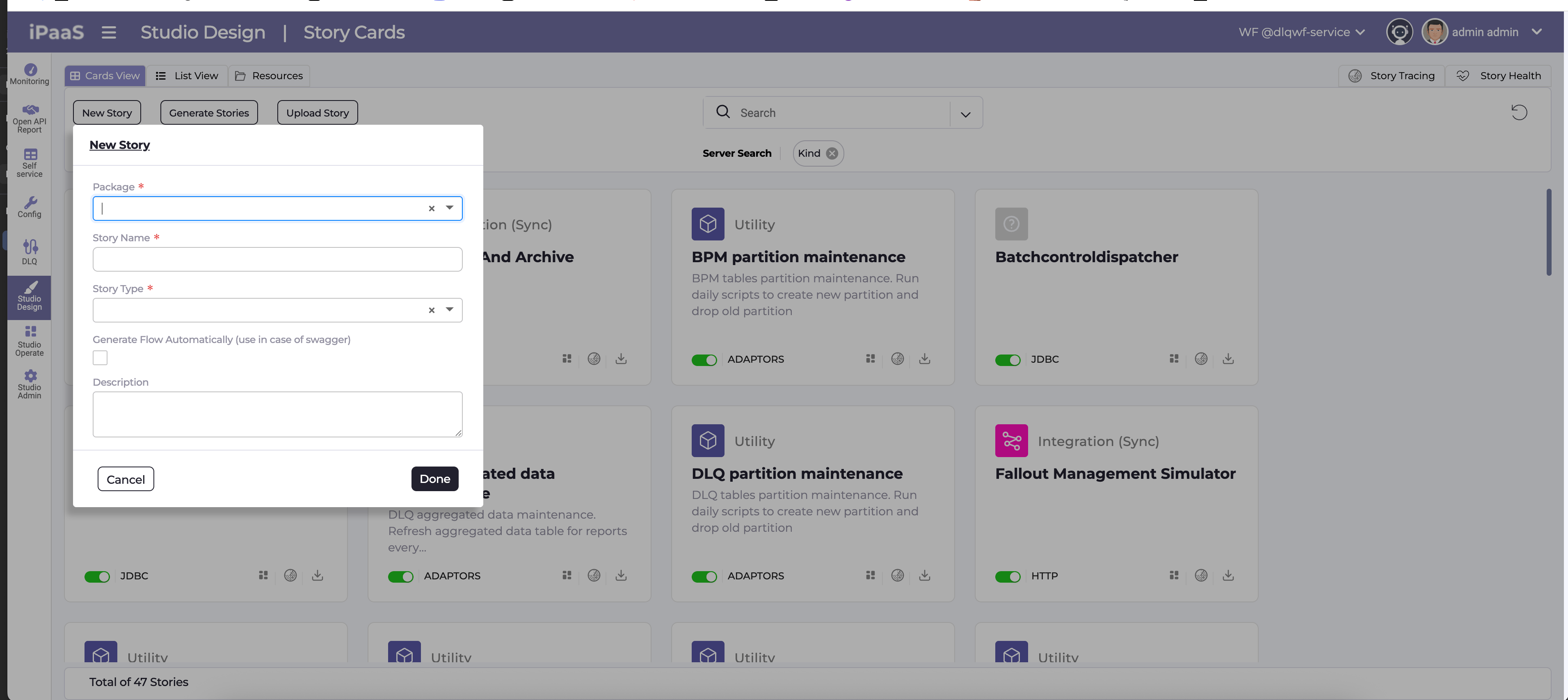
  • Each pop up- holds enormous type fields the user needs to provide
  • Pop ups that were all connected to the same story were scattered in different pages

Who are the users?

UX Team Leads:

Use the Fallout environment to prototype and iterate complex AI-driven story flows end‑to‑end, validating interaction patterns and edge cases before they reach production.

Product Owners:

Refine requirements directly in the tool by adjusting prompts and configurations, ensuring the experience stays aligned with business goals and changing stakeholder needs.

Developers:

Safely test and adjust logic, listeners, and integrations in a realistic sandbox, catching implementation issues early while preserving the full context of each story.

Client Stakeholders:

Explore near‑final flows in an interactive environment, quickly reviewing scenarios, giving targeted feedback, and confirming the system meets real operational needs.

1 . User Interviews

I interviewed users to uncover daily tracking pain points.

2. Card Sorting

Organized user interview pain points and needs into clear categories.

LLM Selection:

"Why is picking the AI type just a dropdown? I need more guidance on what each one does."

Interaction (UI issues)

“I’m not sure what this ‘Template’ means — is it a flow or something else?”

Flow Generation:

Generate Flow button does… what exactly? I click it but have no idea what listener logic it's messing with."

File Uploads:

"Uploading files upfront for certain listeners feels random—why can't I do this later?"

Journey (Process issues)

“Every pop-up interrupts my thinking and breaks my flow.”

Journey (Process issues)

“I can’t see how listeners, files, and flows connect.”

Journey (Process issues)

“I don’t have one place to review the whole story before finishing.”

Onboarding & Guidance

“I don’t know where to start as a first-time user.”

Onboarding & Guidance

“I only realize I did something wrong after I finish.”

Checkbox Confusion:

"That 'Generate Flow' checkbox syncs with filters? Nothing tells me that, and it breaks my setup every time."

Template Mislabeling:

"Why call it just 'Template'? It's actually a Flow Template—I waste time figuring this out."

Story Pop-up Overload:

"Finally make a story, then BAM—another pop-up for Package/Name/Description. Too many steps!"

3. Industry Comparison

Goals:Spotting gaps where our design can truly stand out

Identify UX gaps:

Analyze competitor interfaces to discover visualization and navigation weaknesses your prototype improves.

Benchmark features:

Compare core workflow functions (automation, dependencies, status tracking) against industry leaders.

Differentiate design:

Highlight unique dashboard clarity and cognitive load reduction vs. typical tool clutter.

NotebookLM

Lovable

Canva

Pipit

Cupcut

Walling

Clude

Claude

UX/UI Design Decisions

Single focused workspace

Central canvas for the story card so users can concentrate on the prompt without side distractions,

while keeping navigation and tools visually recessed in the background frame.


Clear story-first hierarchyI’ve placed the “New Story” title, description hint, and main prompt area at the top-left, following reading order, which guides users to define the story before touching advanced controls.


Safe, explicit action controlsYou separated “Check Prompt” and “Generate” into distinct buttons under the card, making it clear whether the user is validating the prompt or running the generation, which reduces accidental runs and supports an iterative workflow.

Entry Screen

This entry screen is designed to set context, build confidence, and guide users into action with minimal friction.

Prompt-to-Story Screen

Users simply describe their needs, and the system automatically generates structured story logic, streamlining workflows for SaaS and AI-driven platforms.

Seamless Data Consolidation

I've added hidden icons and dropdowns consolidate scattered data into one seamless page for faster, error-free story creation.

Prompt Check & Rank

Added a "Check Prompt" feature with instant rank (e.g., 8/10), analysis summary, and actionable tips to craft efficient prompts—helping users refine inputs before generation for better story logic every time.

Editable Story Refinement

Prompt stays editable post-story generation, enabling instant tweaks and rapid iteration without resets—key for refining complex logic.

Outcome

  • Rapid iteration: Users tweak prompts instantly without rebuilding from scratch, speeding up design cycles.
  • Keeps product relevant: Leverages latest tech for live updates, ensuring the system stays cutting-edge and never outdated.
  • Fewer mistakes: Edit prompts in place to avoid retyping full context, keeping complex logic accurate without starting over.

Works

Fallout management service

Story Creation (AI Feature)

Project

This LLM-powered UX transforms complex, multi-step story creation into a single, intuitive prompt-driven screen.

Role: UX/UI Product Designer & Researcher

Led design as the solo designer, collaborating with the project manager, and front-end/back-end development teams | Amdocs 2025

System Purpose:

The system gives customers and ops teams a clear drill-down view of backoffice activities—like orders, transactions, and sales—for full end-to-end visibility. It tracks any activity you need, while handling complex event processing and analysis.

Business problem

Creating a story in the system — which represents the setup of a workflow with event listeners and AI logic — was a complex and unintuitive process

What was the challenge?

Users needs to complete multiple disconnected steps spread across several pop-ups, just for creating a new story. Making it difficult to understand the workflow as a whole.

The goal

The aim was to turn story creation from a fragmented expert-only flow into a guided configuration experience that users could understand end to end. The focus was on making technical concepts (listeners, operations, flows, file-based templates) usable without needing deep system knowledge

Old System look & feel

It needed to be redesign completely
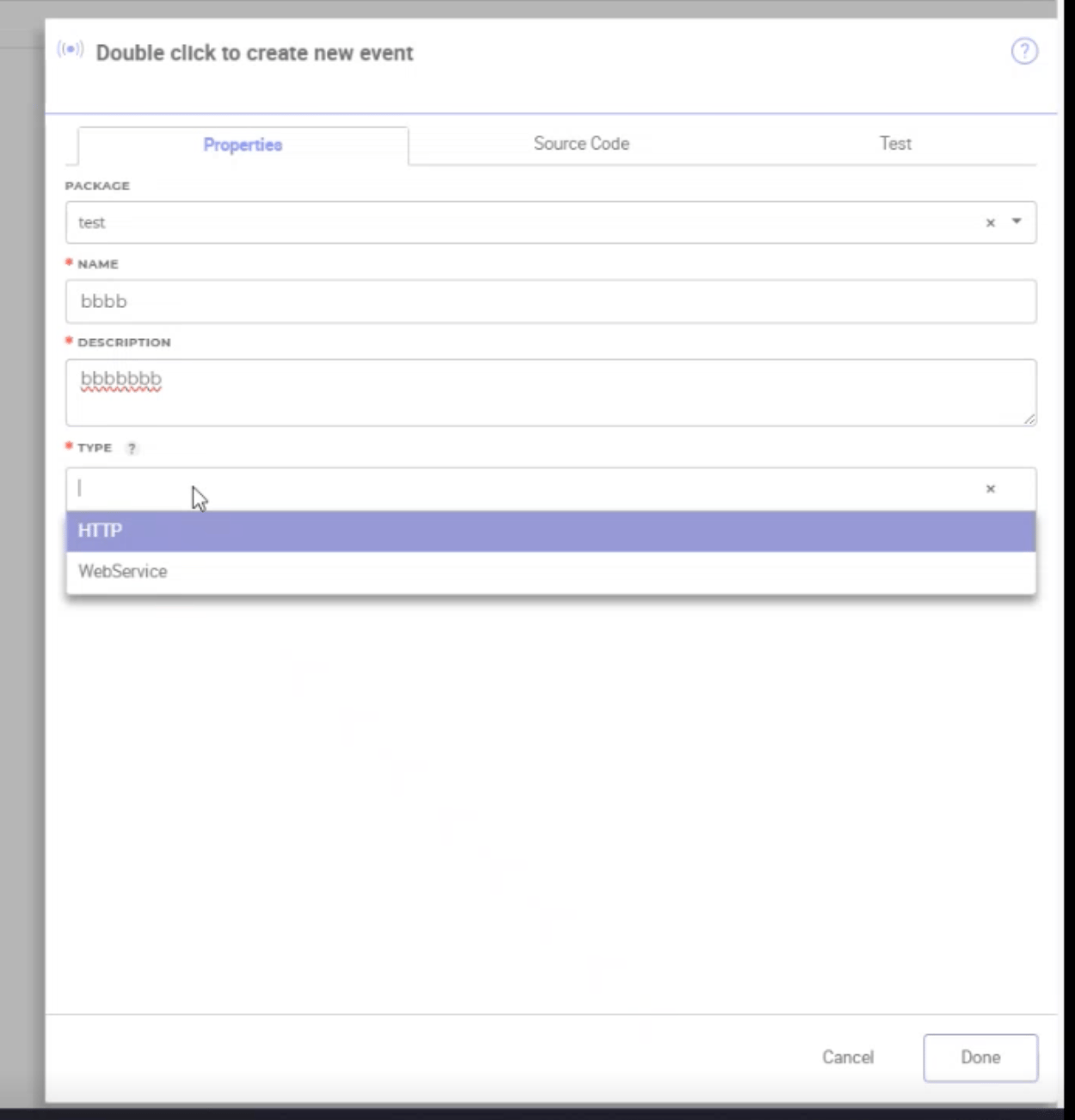
  • Each pop up- holds enormous type fields the user needs to provide
  • Pop ups that were all connected to the same story were scattered in different pages

Who are the users?

UX TL

Use the Fallout environment to prototype and iterate complex AI-driven story flows end‑to‑end, validating interaction patterns and edge cases before they reach production.

Product Owners:

Refine requirements directly in the tool by adjusting prompts and configurations, ensuring the experience stays aligned with business goals and changing stakeholder needs.

Developer

Safely test and adjust logic, listeners, and integrations in a realistic sandbox, catching implementation issues early while preserving the full context of each story.

Client Stakeholders:

Explore near‑final flows in an interactive environment, quickly reviewing scenarios, giving targeted feedback, and confirming the system meets real operational needs.

1 . User Interviews

I interviewed users to uncover daily tracking pain points.
2. Card Sorting

Organized user interview pain points and needs into clear categories.

LLM Selection:

"Why is picking the AI type just a dropdown? I need more guidance on what each one does."

Interaction (UI issues)

“I’m not sure what this ‘Template’ means — is it a flow or something else?”

Flow Generation:

Generate Flow button does… what exactly? I click it but have no idea what listener logic it's messing with."

File Uploads:

"Uploading files upfront for certain listeners feels random—why can't I do this later?"

Journey (Process issues)

“Every pop-up interrupts my thinking and breaks my flow.”

Journey (Process issues)

“I can’t see how listeners, files, and flows connect.”

Journey (Process issues)

“I don’t have one place to review the whole story before finishing.”

Onboarding & Guidance

“I don’t know where to start as a first-time user.”

Onboarding & Guidance

“I only realize I did something wrong after I finish.”

Checkbox Confusion:

"That 'Generate Flow' checkbox syncs with filters? Nothing tells me that, and it breaks my setup every time."

Template Mislabeling:

"Why call it just 'Template'? It's actually a Flow Template—I waste time figuring this out."

Story Pop-up Overload:

"Finally make a story, then BAM—another pop-up for Package/Name/Description. Too many steps!"

3. Industry Comparison

Goals:Spotting gaps where our design can truly stand out

Identify UX gaps:

Analyze competitor interfaces to discover visualization and navigation weaknesses your prototype improves.

Benchmark features:

Compare core workflow functions (automation, dependencies, status tracking) against industry leaders.

Differentiate design:

Highlight unique dashboard clarity and cognitive load reduction vs. typical tool clutter.
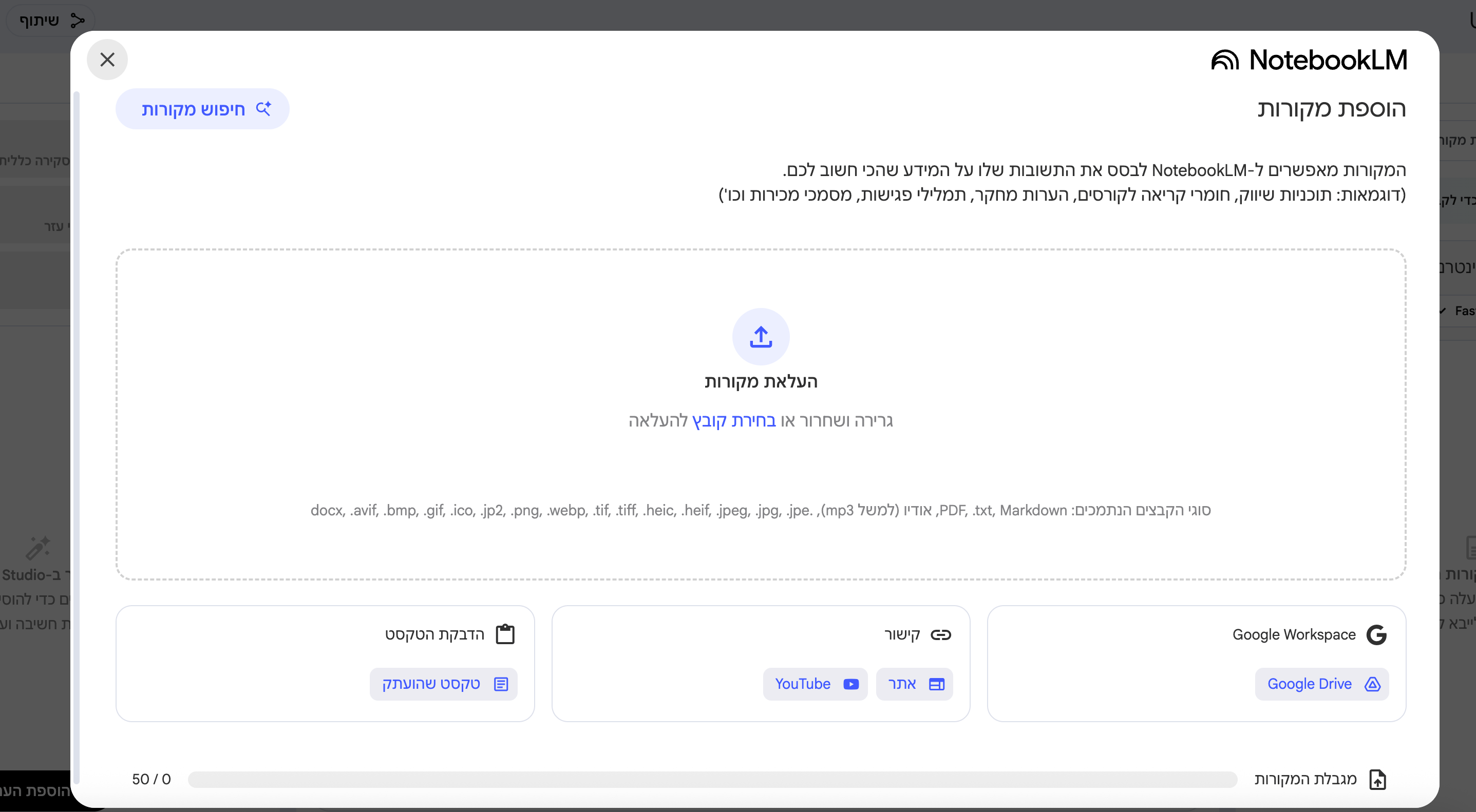
NotebookLM
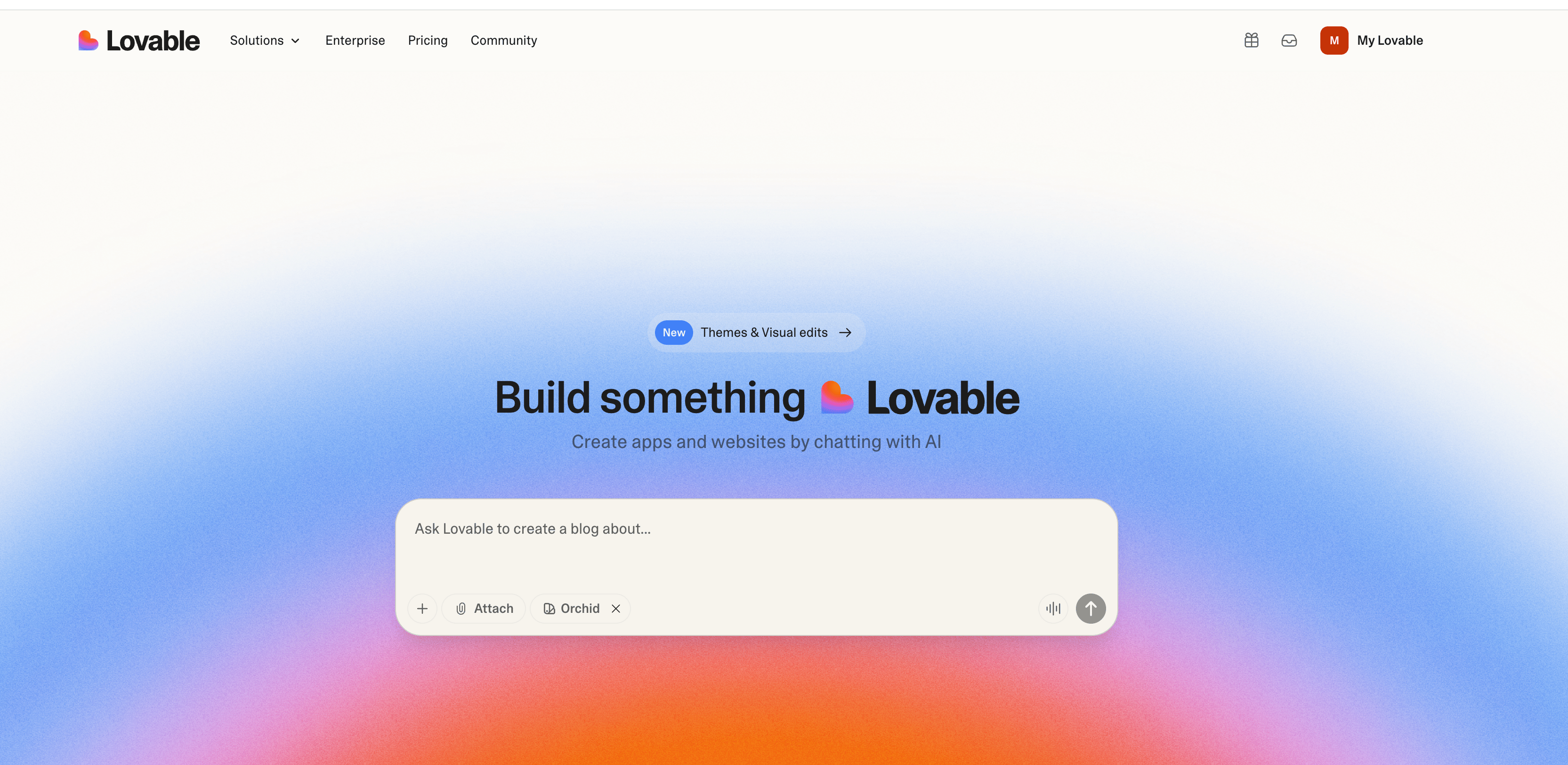
Lovable
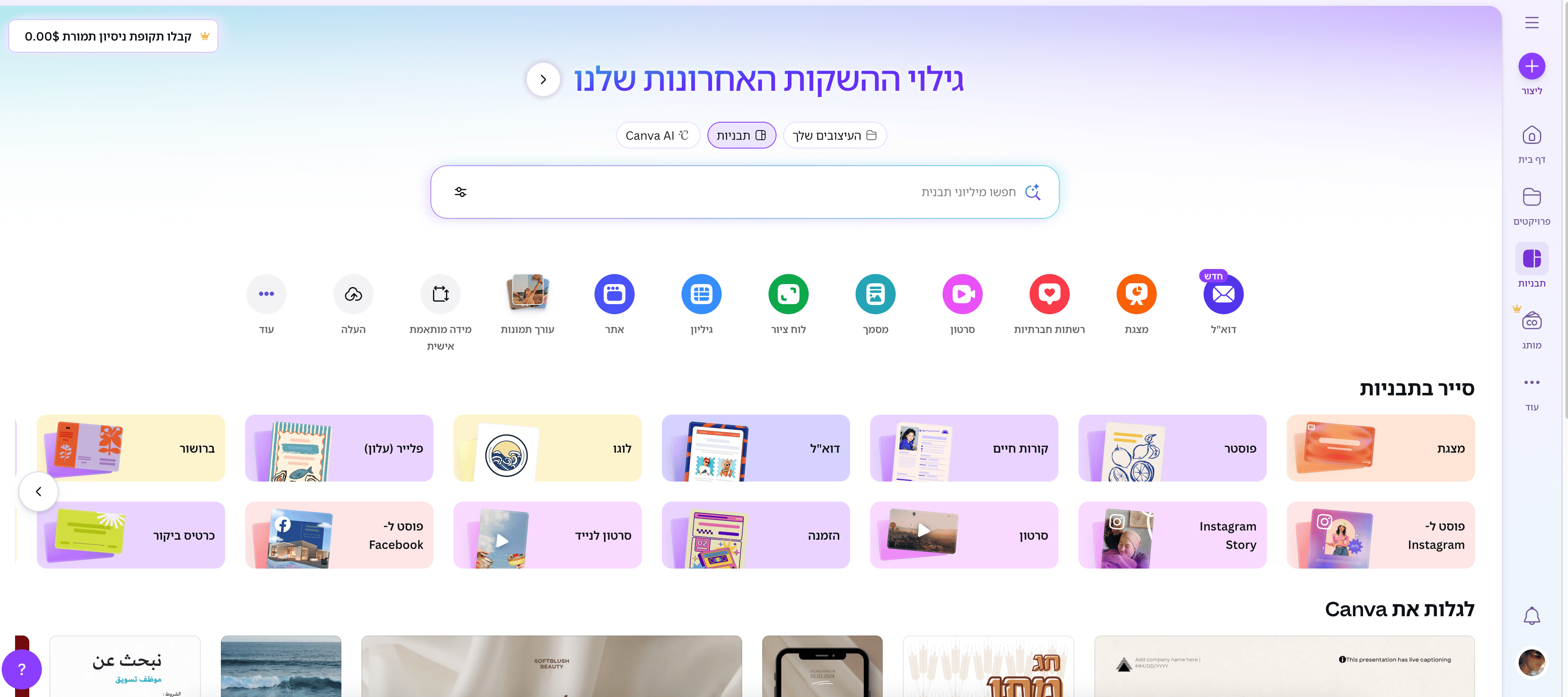
Canva
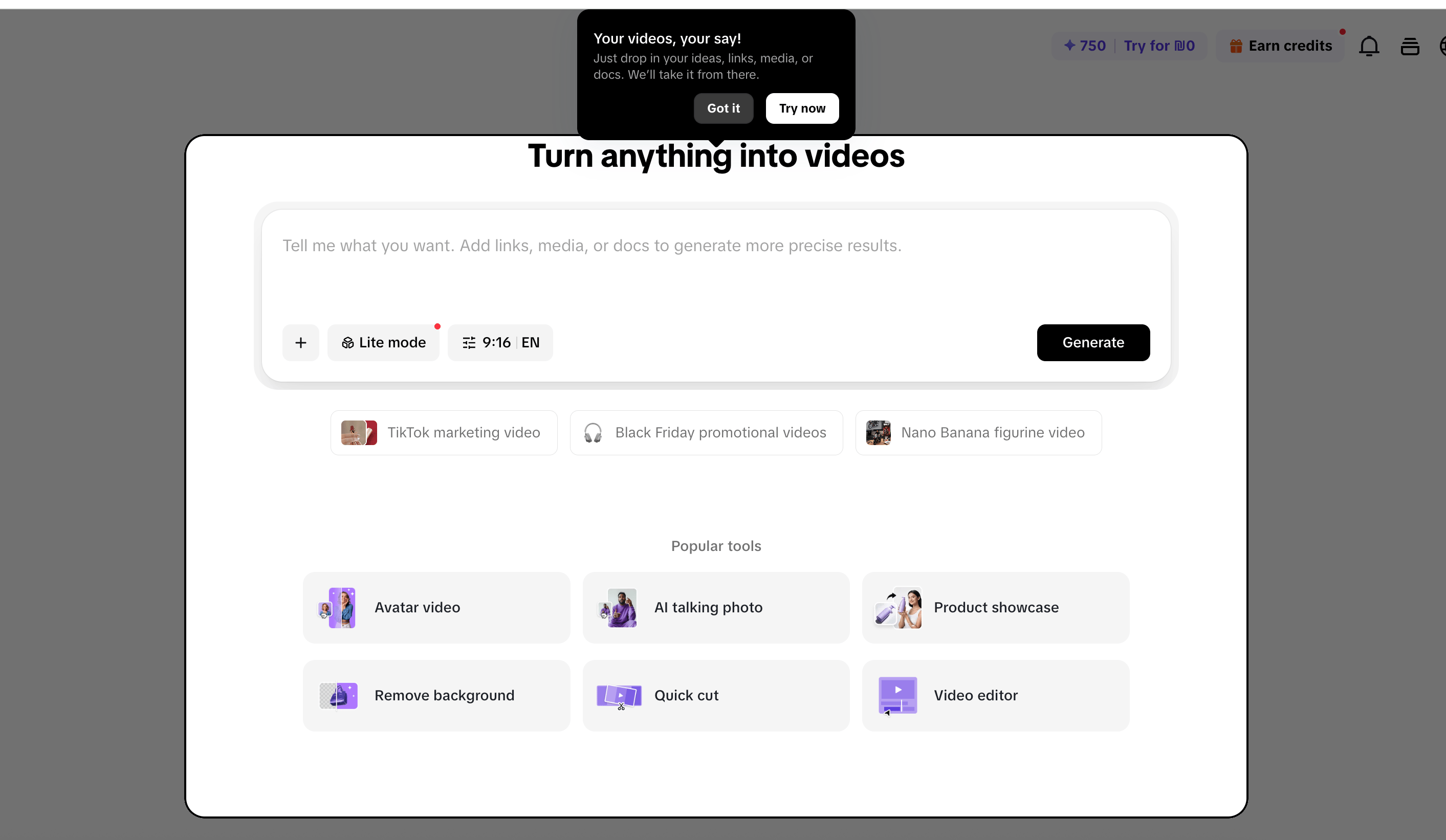
Pipit

Cupcut

Walling

Clude

Claude

UX/UI Design Decisions

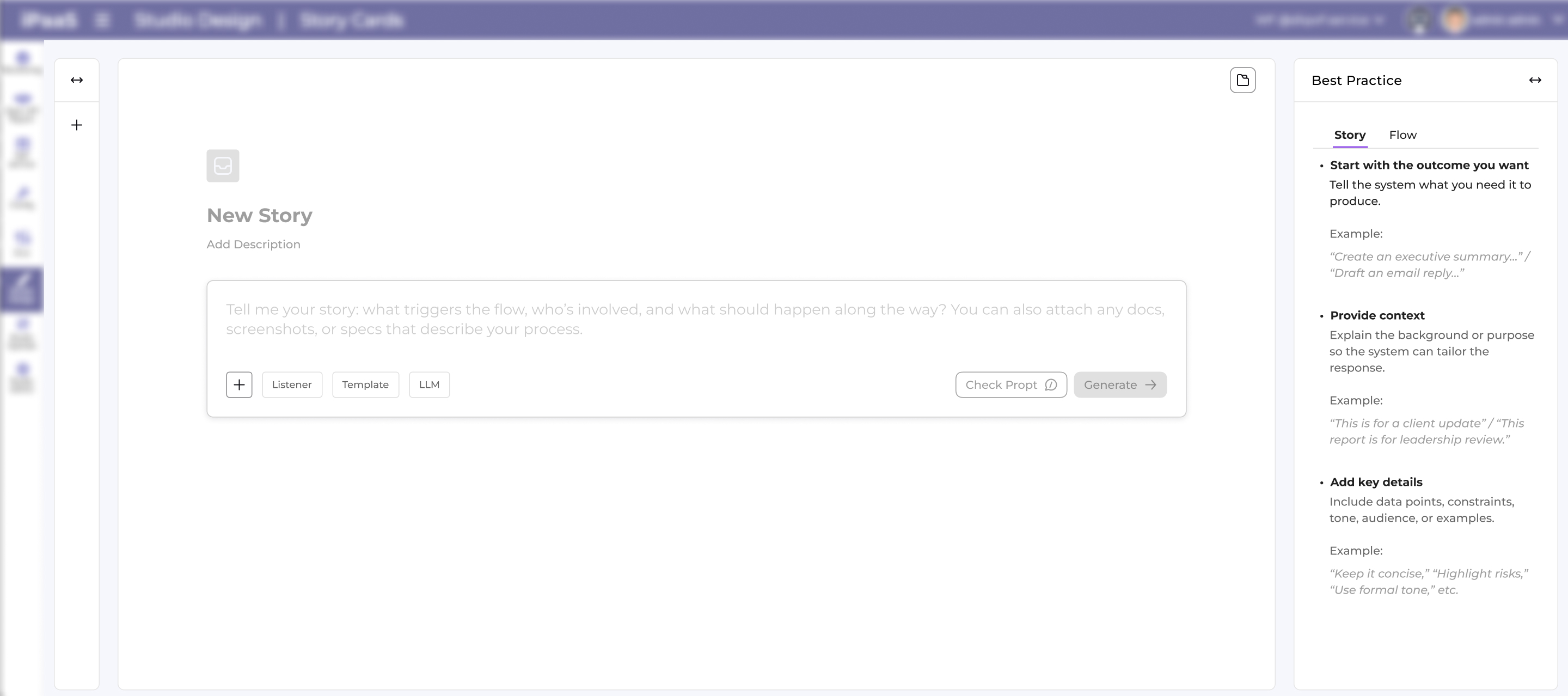
Single focused workspace

Central canvas for the story card so users can concentrate on the prompt without side distractions,

while keeping navigation and tools visually recessed in the background frame.

Clear story-first hierarchy

I’ve placed the “New Story” title, description hint, and main prompt area at the top-left, following reading order, which guides users to define the story before touching advanced controls.


Safe, explicit action controlsYou separated “Check Prompt” and “Generate” into distinct buttons under the card, making it clear whether the user is validating the prompt or running the generation, which reduces accidental runs and supports an iterative workflow.

Entry Screen

This entry screen is designed to set context, build confidence, and guide users into action with minimal friction.
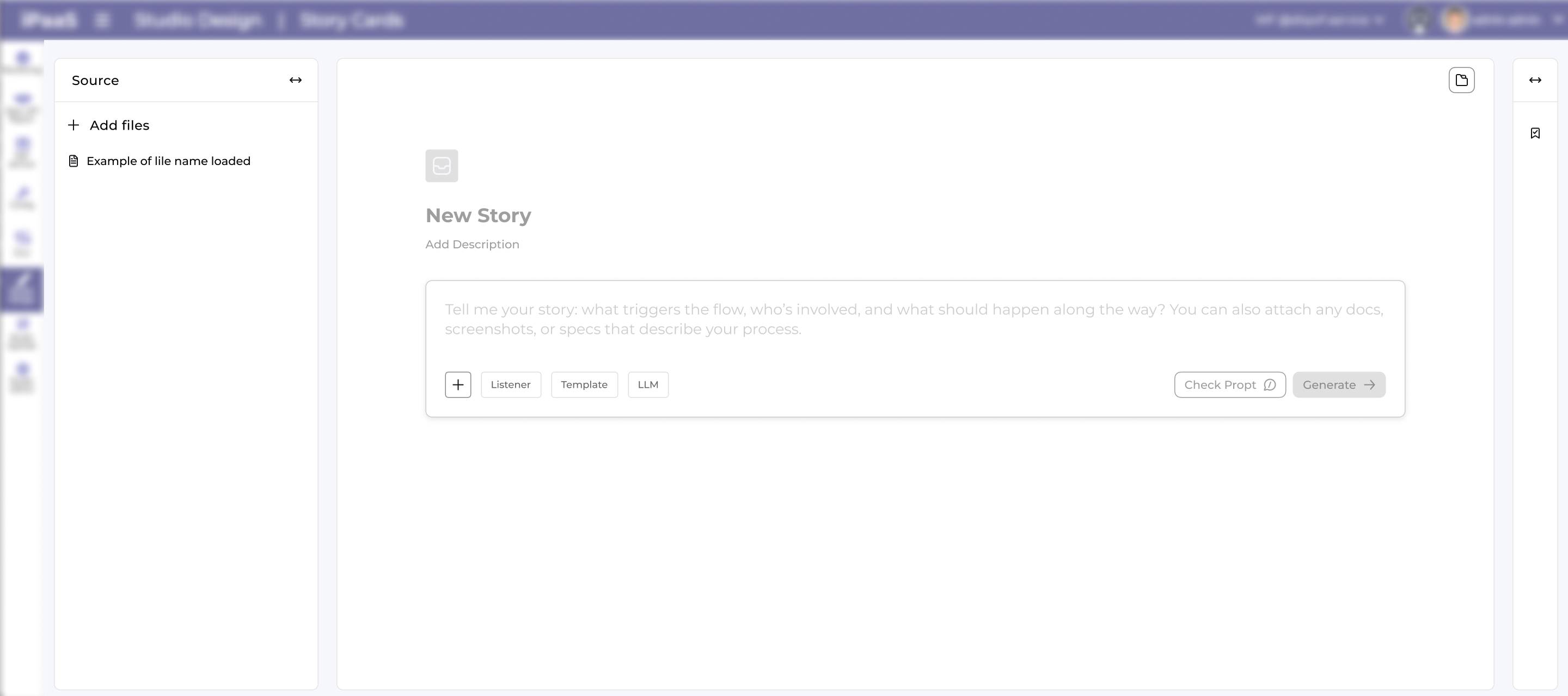
Prompt-to-Story Screen

Users simply describe their needs, and the system automatically generates structured story logic, streamlining workflows for SaaS and AI-driven platforms.

Seamless Data Consolidation

I've added hidden icons and dropdowns consolidate scattered data into one seamless page for faster, error-free story creation.

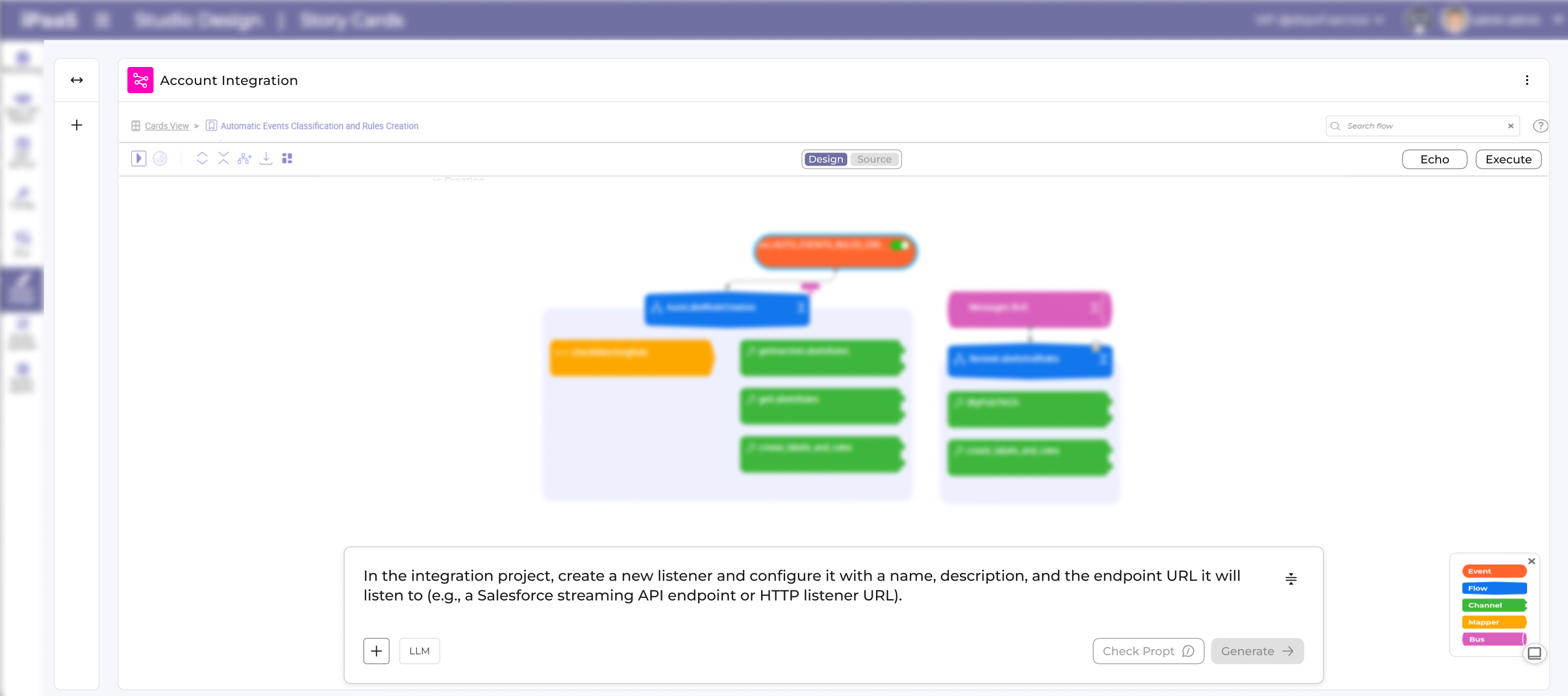
Prompt Check & Rank

Added a "Check Prompt" feature with instant rank (e.g., 8/10), analysis summary, and actionable tips to craft efficient prompts—helping users refine inputs before generation for better story logic every time.

Editable Story Refinement

Prompt stays editable post-story generation, enabling instant tweaks and rapid iteration without resets—key for refining complex logic.
Outcome

  • Rapid iteration: Users tweak prompts instantly without rebuilding from scratch, speeding up design cycles.
  • Keeps product relevant: Leverages latest tech for live updates, ensuring the system stays cutting-edge and never outdated.
  • Fewer mistakes: Edit prompts in place to avoid retyping full context, keeping complex logic accurate without starting over.